Best WP Raffle Plugin 2026: Transform WooCommerce with Lottery Campaigns
Raffles don’t just hand out prizes — they create experiences. When you add a WP Raffle plugin to your WooCommerce store, you transform ordinary shopping into an event: customers collect tickets, countdowns build urgency, and winners are revealed in style with a spinning wheel.
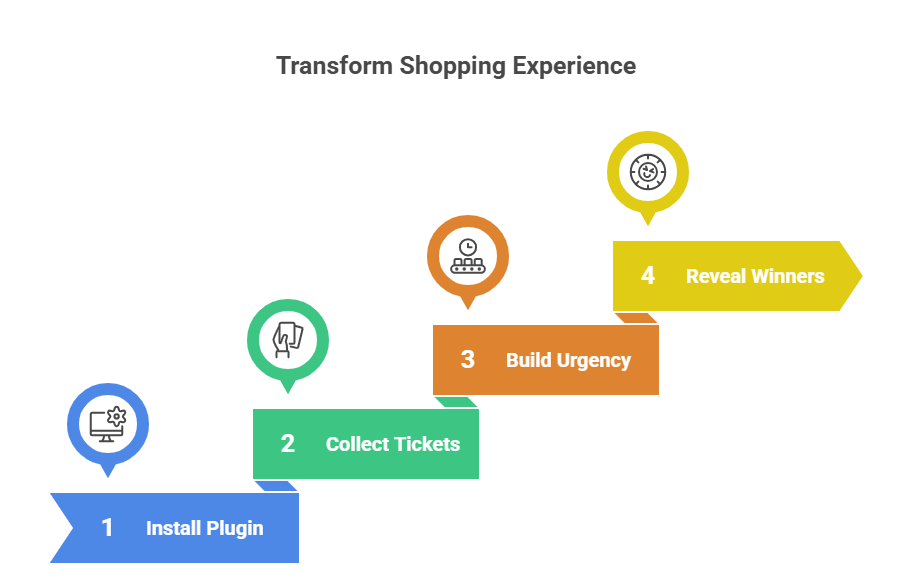
In this post, we’ll explore why raffles work so well in eCommerce, what makes this plugin different, and how you can use it to grow engagement and sales.
Why Use a WP Raffle Plugin in WooCommerce?
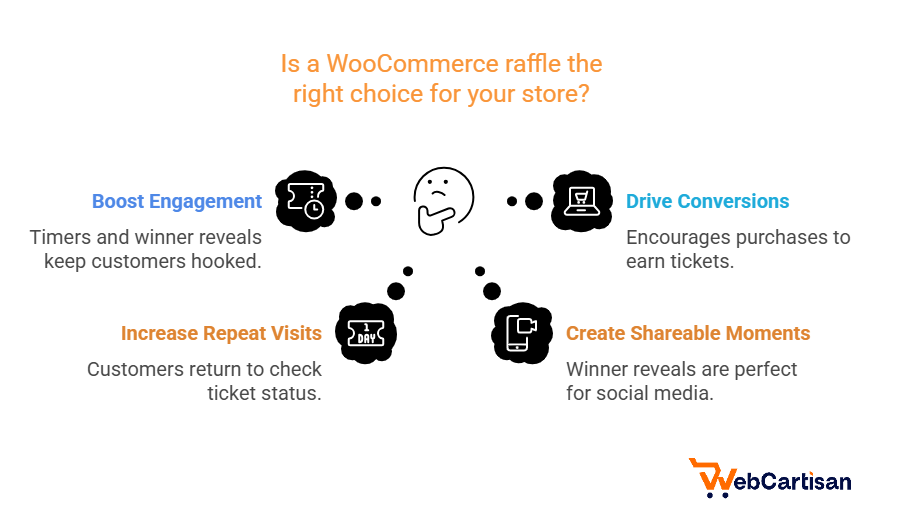
To begin with, a raffle isn’t only about giving away prizes; rather, it’s a marketing strategy that sparks excitement and, in turn, builds loyalty.
- First, it boosts engagement: timers, tickets, and winner reveals keep people hooked.
- Moreover, it drives conversions: “buy to get tickets” nudges browsers into purchases.
- Additionally, it increases repeat visits: shoppers return to check ticket status and see who won.
- Finally, it creates shareable moments: for example, a wheel-spin winner reveal is perfect for social media
Key Features of the Best WP Raffle Plugin
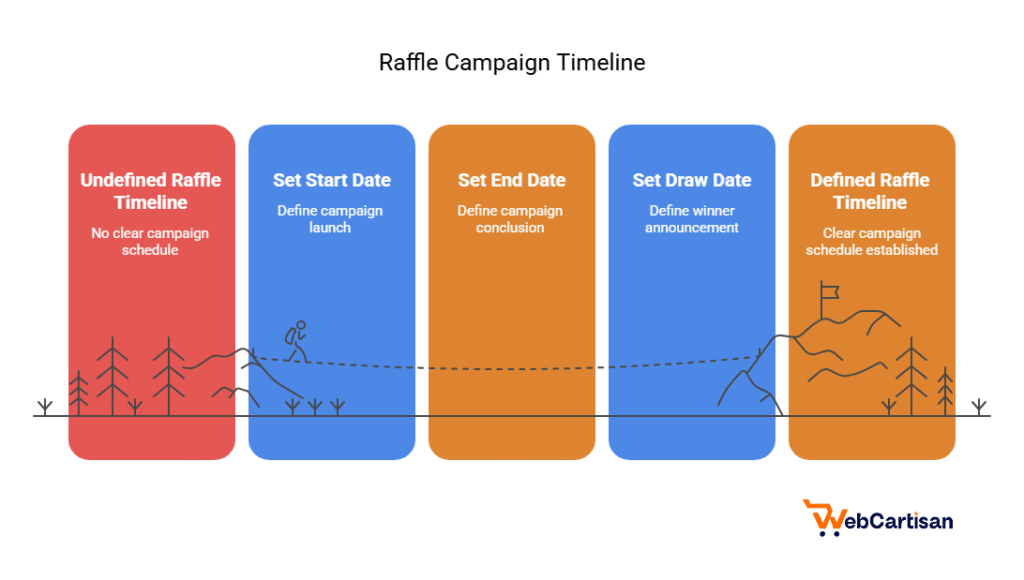
🎯 Campaign Timelines
Set a start date, end date, and draw date for every raffle. Timers appear on shop and product pages to build urgency and motivate faster decisions.
🎡 Wheel Spin Winner Reveal
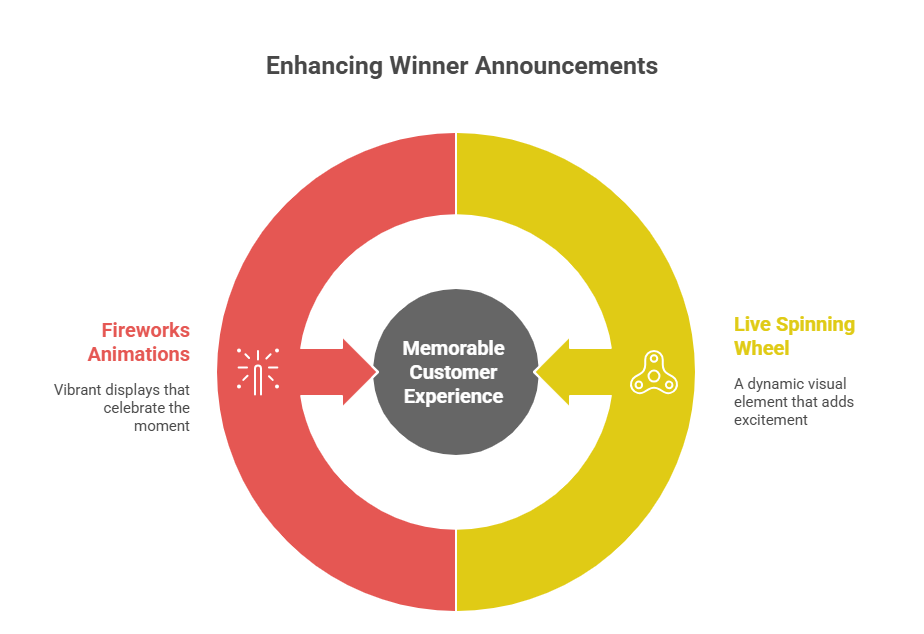
No more boring text announcements. Reveal winners with a live spinning wheel — add fireworks animations and create a show your customers will remember.
🔢 Ticket Picker
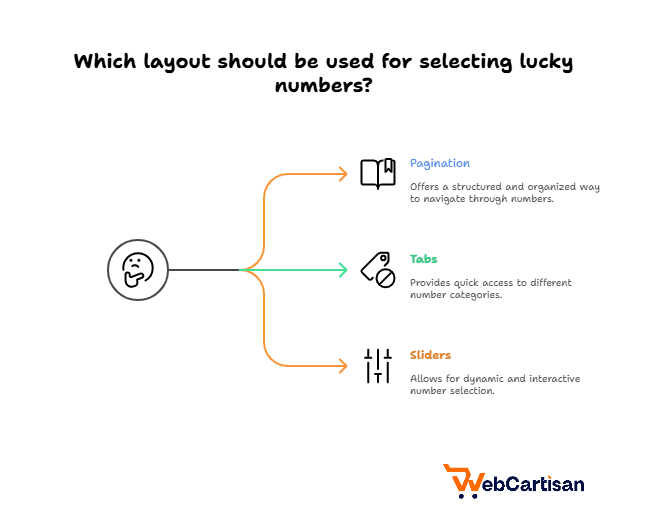
Let participants choose their lucky numbers through an interactive ticket picker. Multiple layouts are available, including pagination, tabs, and sliders.
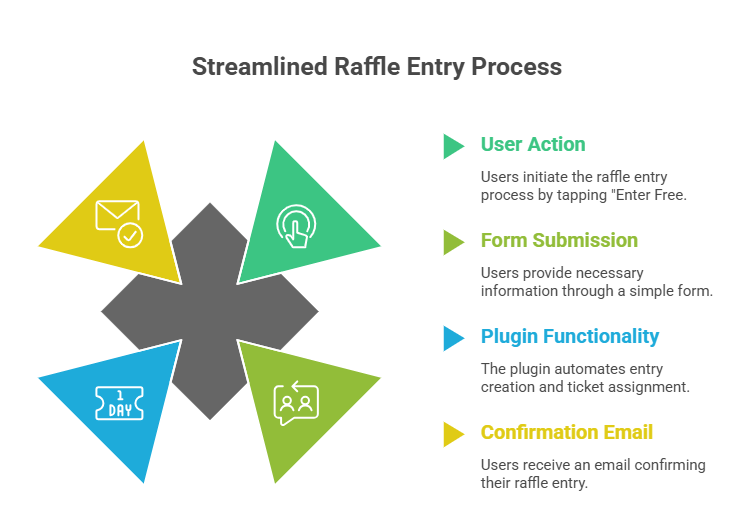
⚡ Instant Checkout Offers for Free Campaign to increase customer engagement
To begin with, visitors join a free raffle without using the cart. They simply tap “Enter Free”; next, they submit a lightweight form (name and email). Immediately afterward, the plugin creates a zero-cost entry, assigns ticket(s), and sends a confirmation email. As a result, this flow is perfect for newsletter sign-ups and social traffic because there’s almost no friction.
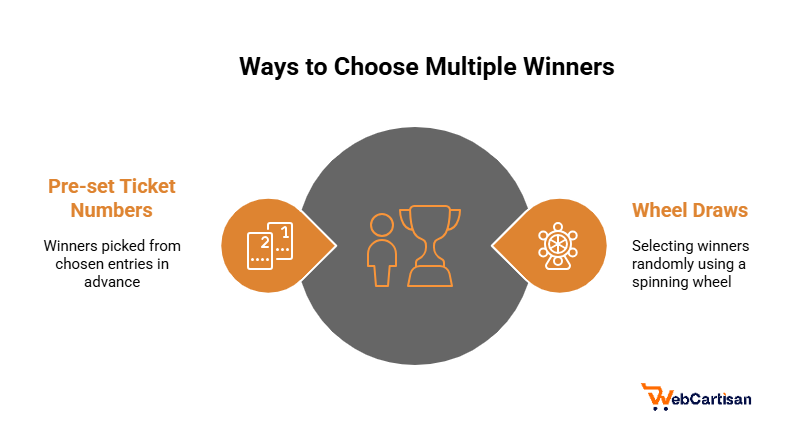
🏆 Multiple Winner Support
Need more than one winner? The plugin supports multiple draws, either through the wheel or by pre-defining winning ticket numbers.
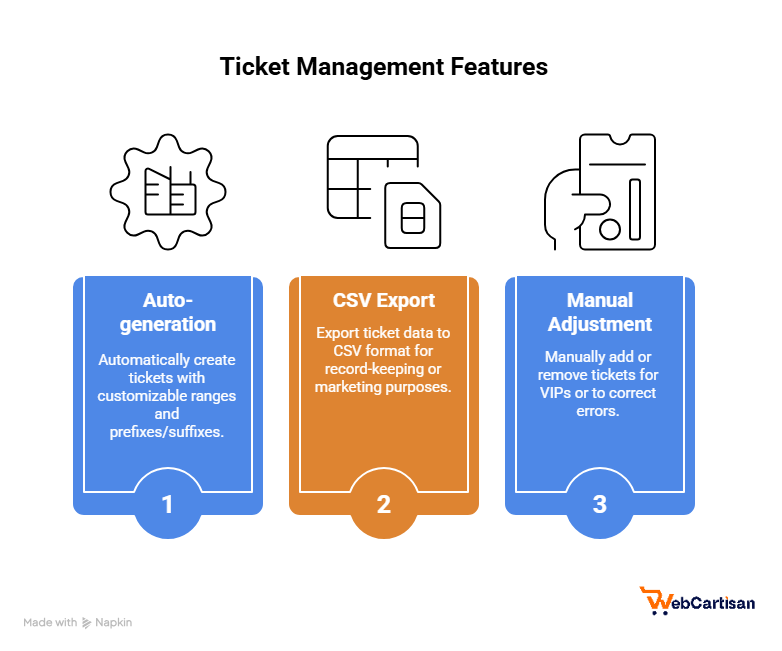
Ticket Management
- First, auto-generate tickets with ranges and a custom prefix/suffix.
- Then, export tickets to CSV for record-keeping or marketing.
- Finally, manually add or remove tickets for VIPs or corrections.
✉️ Branded Emails
Customize ticket confirmation emails with your logo, labels, and brand voice. Make every customer interaction professional and consistent.
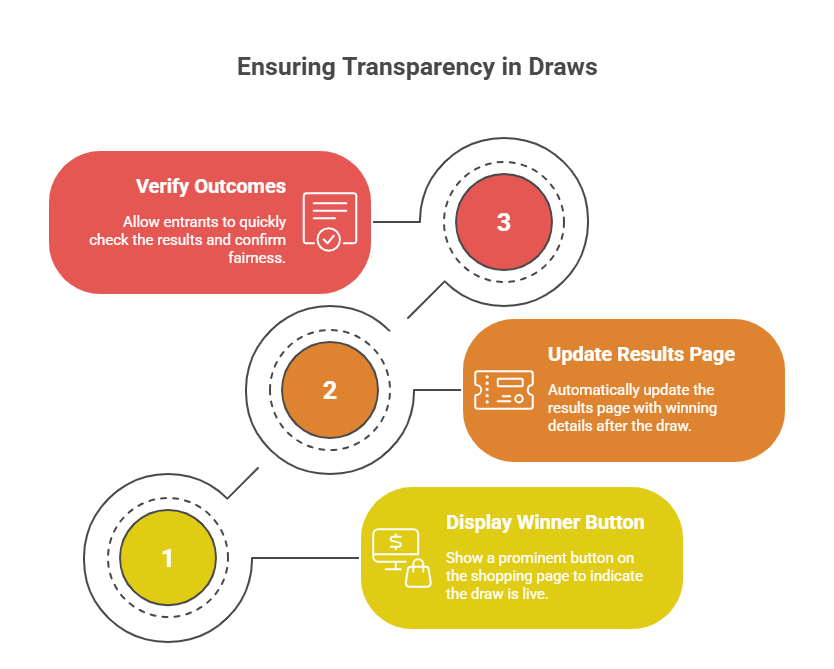
Winner Button & Official Results Page: Add a Winners button to product (and archive) pages. After the draw, it opens an Official Results page that lists the winning ticket(s), draw date/time, and—if you enable it—masked customer names (e.g., “A. Rahman”). Clear, public results build trust and reduce support questions.
How to Run a Raffle in WooCommerce (Step by Step)
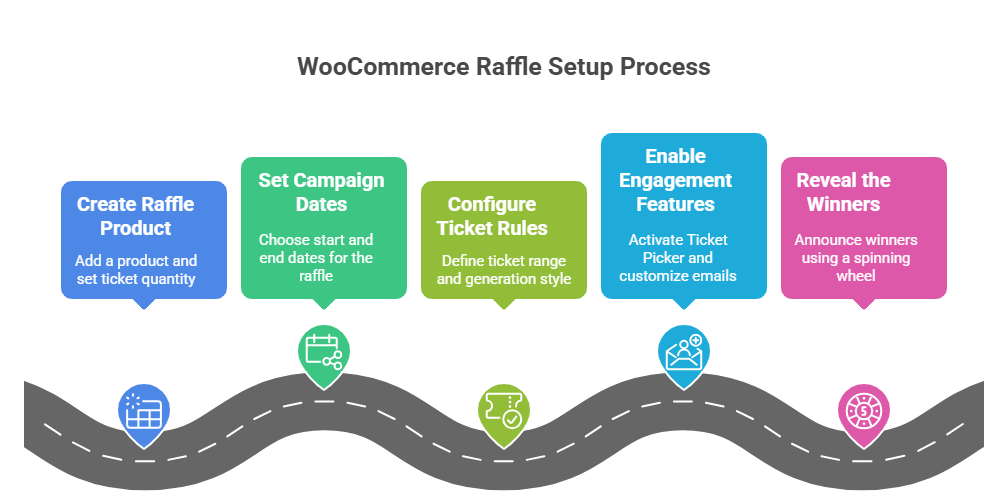
- Create a raffle product
First, add a WooCommerce product and set how many tickets customers receive per purchase. - Set campaign dates
Next, choose sales start and end dates, then schedule the draw. Additionally, activate timers on shop/product pages. - Configure ticket rules
Then, define your ticket range and generation style — random, sequential, or shuffled. - Enable engagement features
After that, switch on the Ticket Picker, customize emails, and add a Winner button for visibility. - Reveal the winners. Finally, use the spinning wheel to announce results live. Alternatively, for controlled campaigns, pre-define winning tickets in advance..
Campaign Ideas You Can Try
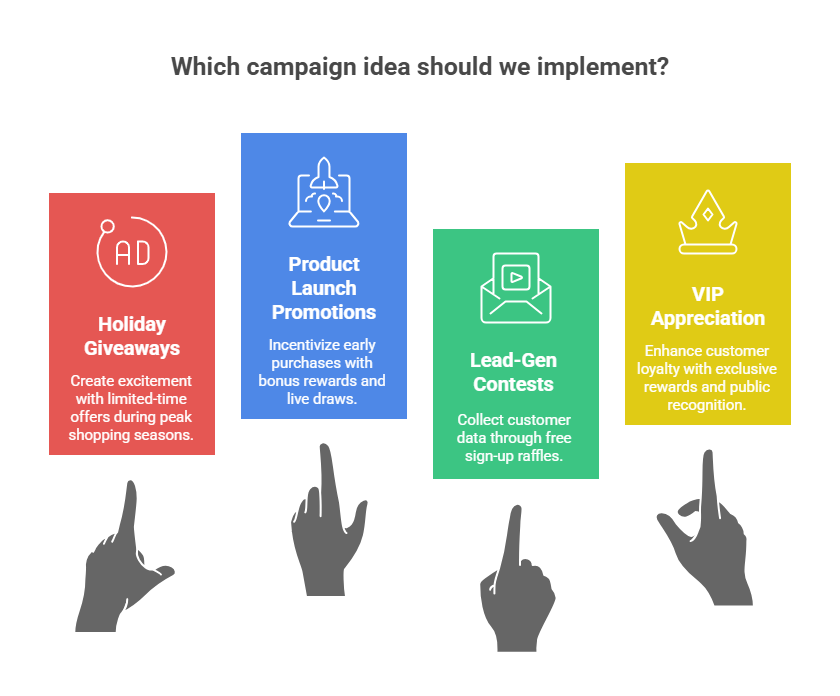
- 🎁 Holiday Giveaways: Limited ticket ranges with countdown timers for Black Friday or Christmas.
- 🚀 Product Launch Promotions: Reward early buyers with bonus tickets and host a live draw.
- 📧 Lead-Gen Contests: Use Instant Checkout for free sign-up raffles tied to emails or phone numbers.
- 👑 VIP Appreciation: Add extra tickets for loyal customers and celebrate them with a public winner page.
Why This Plugin Beats Generic Giveaway Tools
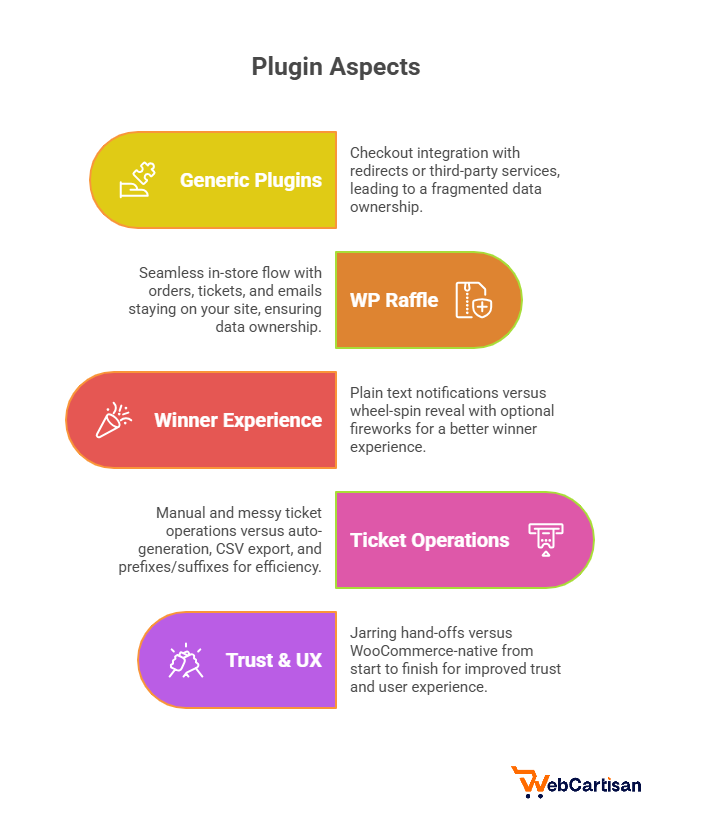
Aspect | Generic Plugins | WooCommerce Giveaway |
Checkout Integration | Redirects or third-party | Seamless, in-store flow |
Data Ownership | Fragmented | Orders, tickets, emails stay on your site |
Winner Experience | Plain text | Wheel-spin reveal + optional fireworks |
Ticket Ops | Manual and messy | Auto-generation, CSV export, prefixes/suffixes |
Trust & UX | Jarring hand-offs | WooCommerce-native from start to finish |
Best Practices for Running a WP Raffle Plugin
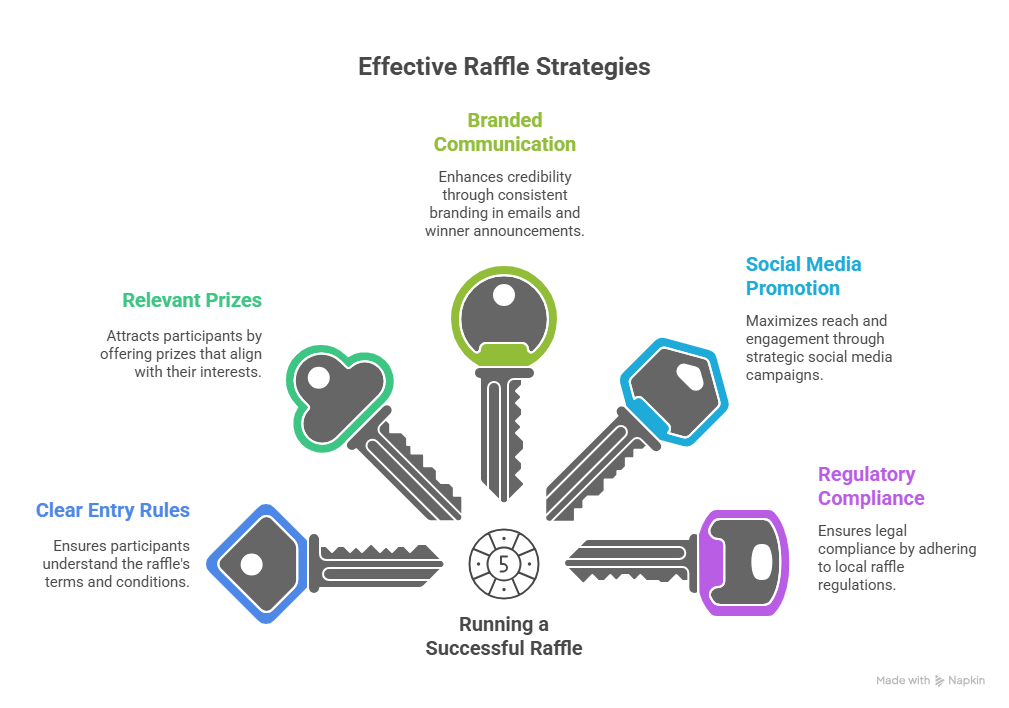
- To begin with, keep entry rules simple and clear.
- In addition, align prizes with your customers’ interests.
- Use branded emails and winner pages for credibility.
- Promote your raffle on social media to maximize reach.
- Always check local regulations around raffles and giveaways.
FAQ
Can customers pick their ticket numbers?
Yes, the Ticket Picker lets them choose their lucky numbers in multiple layouts.
Can I run free entry campaigns?
Yes, Instant Checkout allows frictionless entry for lead generation.
How are winners revealed?
Automatically at draw time, either via random selection or a spinning wheel animation.
Can I export tickets?
Yes, export them to CSV for audits or marketing. The Pro version includes customer details too. Can I have multiple winners?
Yes, you can select one or many winners per campaign.
Final Thoughts
If you want raffles that feel like events instead of simple giveaways, this is the tool for you. Withlottery campaigns, a wheel-spin reveal, ticket picking, instant checkout, and WooCommerce-native integration, this WP Raffle plugin delivers excitement for customers and results for your store.
Turn your next promotion into an unforgettable experience and watch engagement, loyalty, and sales climb.