Variation Monster Plugin is a powerful WooCommerce plugin designed to simplify how store owners manage and display product variations. As your product catalog grows, handling multiple attributes, prices, images, and stock levels can quickly become overwhelming and time-consuming.
This complexity doesn’t just waste time but increases the risk of errors, inconsistent product data, and a frustrating shopping experience for customers. Manually updating variations can hold back store growth and make even simple changes feel like a chore.
Meet Variation Monster, offering a smarter way to handle product variations in WooCommerce. With an intuitive interface and powerful bulk-editing features, it simplifies variation management, reduces errors, and helps you take full control of your products faster and more efficiently than ever.
In this article, we’ll take a deep dive into Variation Monster, exploring what it is, why it matters, its features, benefits, best practices, and how it stands out from other plugins for WooCommerce variation solutions.
So, without further ado, let’s dig deeper.
What is Variation Monster Plugin ?
Variation Monster is a powerful WooCommerce plugin designed to improve how product variations are displayed. Instead of hiding options behind dropdowns, it offers tools that make selection more visual and interactive.
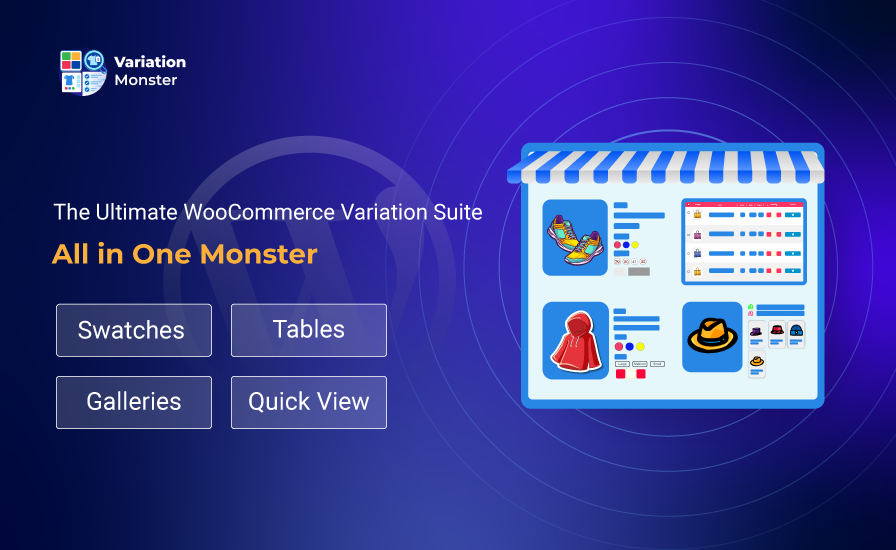
Some of its core capabilities include:
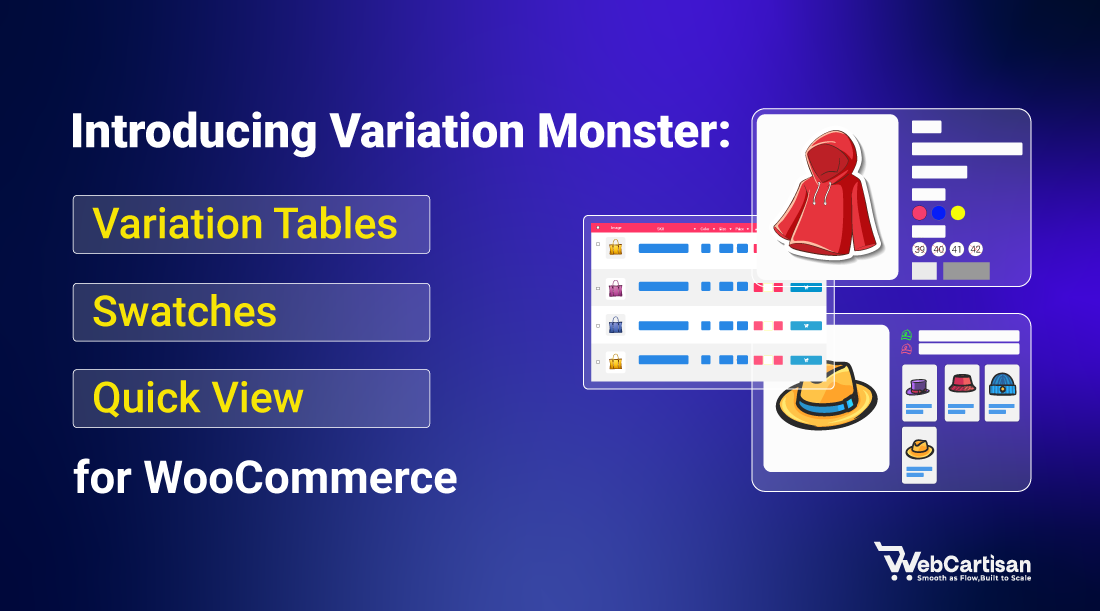
- Variation table plugin for WooCommerce for side-by-side comparison
- Swatches for WooCommerce for visual selection
- Quick view plugin for WooCommerce functionality for browsing efficiency
With these features, customers can see all options at a glance, select the right product faster, and complete purchases without confusion. It’s an intuitive solution for stores selling apparel, electronics, furniture, and other configurable products.
Why Variation Monster Plugin Is Important for WooCommerce Stores
Default WooCommerce variation handling works for simple stores, but as your product catalog grows, it creates usability issues:
- Dropdowns hide essential product details.
- Customers struggle to compare multiple options.
- Mobile users face too many clicks and poor layouts.
- Conversion rates drop due to friction.
Variation Monster solves these problems by offering clear, visual, and interactive displays. Customers no longer have to guess or scroll through multiple dropdowns—they see everything at a glance, which improves engagement and boosts sales.
How the Variation Monster Plugin Improves Product Variations
The Variation Monster plugin focuses on usability, performance, and visual clarity. By replacing traditional selectors with interactive layouts, shoppers can immediately understand product differences and select the right option with confidence.
Store owners benefit from better engagement metrics, reduced support questions, and improved conversion performance without complicated configuration or custom coding.
Key Features of Variation Monster Plugin
Variation Monster offers a smarter, more intuitive way to display WooCommerce product variations. Instead of relying on confusing dropdowns, it provides tools that make shopping easier for customers and more visually appealing for store owners. It’s main features include:
Quick cart carousel for variable products
Customers can browse and select product variations directly from shop, category, or archive pages without opening the product page. This makes shopping faster and reduces the number of clicks needed to choose the right product.
Variation table
The plugin replaces traditional dropdowns with a structured variation table on product pages. Shoppers can view, compare, and select variations more easily, helping them make quicker purchasing decisions.
Customize table display
Store owners can configure the table to show or hide elements such as popup images, SKUs, titles, prices, and stock status. This ensures the display matches your store’s branding while improving clarity for customers.
Variation swatches for WooCommerce
Dropdowns can be replaced with visual swatches for color, image, or label selection. This allows customers to pick product attributes like size, color, or pattern with ease.
Image swatches for product variations
Each variation attribute can be represented with images, such as patterns or materials. This makes variation selection more visual and intuitive, giving shoppers a better idea of the product before adding it to the cart.
Tooltips for better clarity
Hovering over a swatch can display additional information or preview images through customizable tooltips. This feature helps customers make informed choices without confusion.
Variation gallery
You can assign a separate gallery to each product variation. When a variation is selected, the gallery updates automatically, showing exactly what the product looks like for that choice.
Variation list
For products with multiple variations, a list layout can display all options with images, prices, SKUs, and stock status. This makes side-by-side comparison simple and convenient for shoppers.
Dokan multivendor support
The plugin integrates with the Dokan multivendor plugin, allowing individual vendors to manage variable products from their own dashboards. This ensures compatibility for multi-vendor WooCommerce stores.
Benefits of the Variation Monster Plugin for WooCommerce Stores
When running a WooCommerce store with multiple product variations, it’s crucial to make shopping simple, clear, and efficient. Variation Monster is designed to help store owners achieve this by providing tools that improve how variations are displayed, making it easier for customers to select, compare, and buy products. Let’s take a closer look at its benefits and the types of stores that can take full advantage of it.
Simplified Product Selection
Variation Monster makes it easier for shoppers to explore product options without scrolling through confusing dropdowns. Customers can instantly see all variations and select the one they want, which speeds up the buying process.
Better Decision-Making
By displaying variations in tables and using visual swatches, customers can compare sizes, colors, and other attributes quickly. This reduces uncertainty and encourages confident purchases.
Optimized Mobile Experience
The plugin is fully responsive, so variation tables and swatches remain easy to use on smartphones and tablets, improving the mobile shopping experience.
Ideal Use Cases
- Fashion and apparel stores with multiple sizes, colors, or styles
- Electronics and gadgets stores offering configurable products
- Furniture and home décor shops with options like finishes, materials, or sizes
- Multi-vendor marketplaces using WooCommerce and Dokan
- Stores that want to increase conversion rates and reduce abandoned carts
Best Practices for Using the Variation Monster Plugin
- Always use visual swatches for key attributes like color or size.
- Update galleries for each variation so customers can see exactly what they are buying.
- Configure tooltips to provide helpful product information.
- Test variation tables on mobile devices for readability and responsiveness.
- Combine quick view options with swatches to reduce clicks and streamline shopping.
Getting Started with Variation Monster
Getting started with Variation Monster is simple, even for beginners. Here’s a quick guide:
- Install the plugin
Go to your WordPress dashboard → Plugins → Add New, search for “Variation Monster,” and click Install and Activate. - Configure plugin settings
Navigate to Products → Variation Monster. From here, you can adjust options like swatches, variation tables, galleries, and tooltips to match your store’s style and layout. - Add variation tables and swatches
Edit your variable products and enable variation tables or swatches for attributes like size, color, or material. Preview them to ensure they look right. - Test on shop and mobile pages
Check how the variations display on product pages, category pages, and mobile devices to ensure a smooth shopping experience.
Start selling
With tables, swatches, and quick view options in place, your customers can browse, compare, and buy variations more easily, boosting engagement and conversions.
Final Thoughts
At its core Variation Monster is not about adding flashy UI elements. It’s about solving real usability problems in WooCommerce variation handling. By combining variation tables, swatches for WooCommerce, and quick view functionality into one coherent system it improves clarity for customers and reduces technical complexity for store owners.
If you’re looking for a practical scalable way to improve how variations are presented in your store Variation Monster deserves serious consideration.
Share your ideas or ask questions in the comments. We would love to hear from you! Want more WooCommerce growth strategies, giveaway ideas, and plugin updates?
Subscribe to our blog and never miss a post.