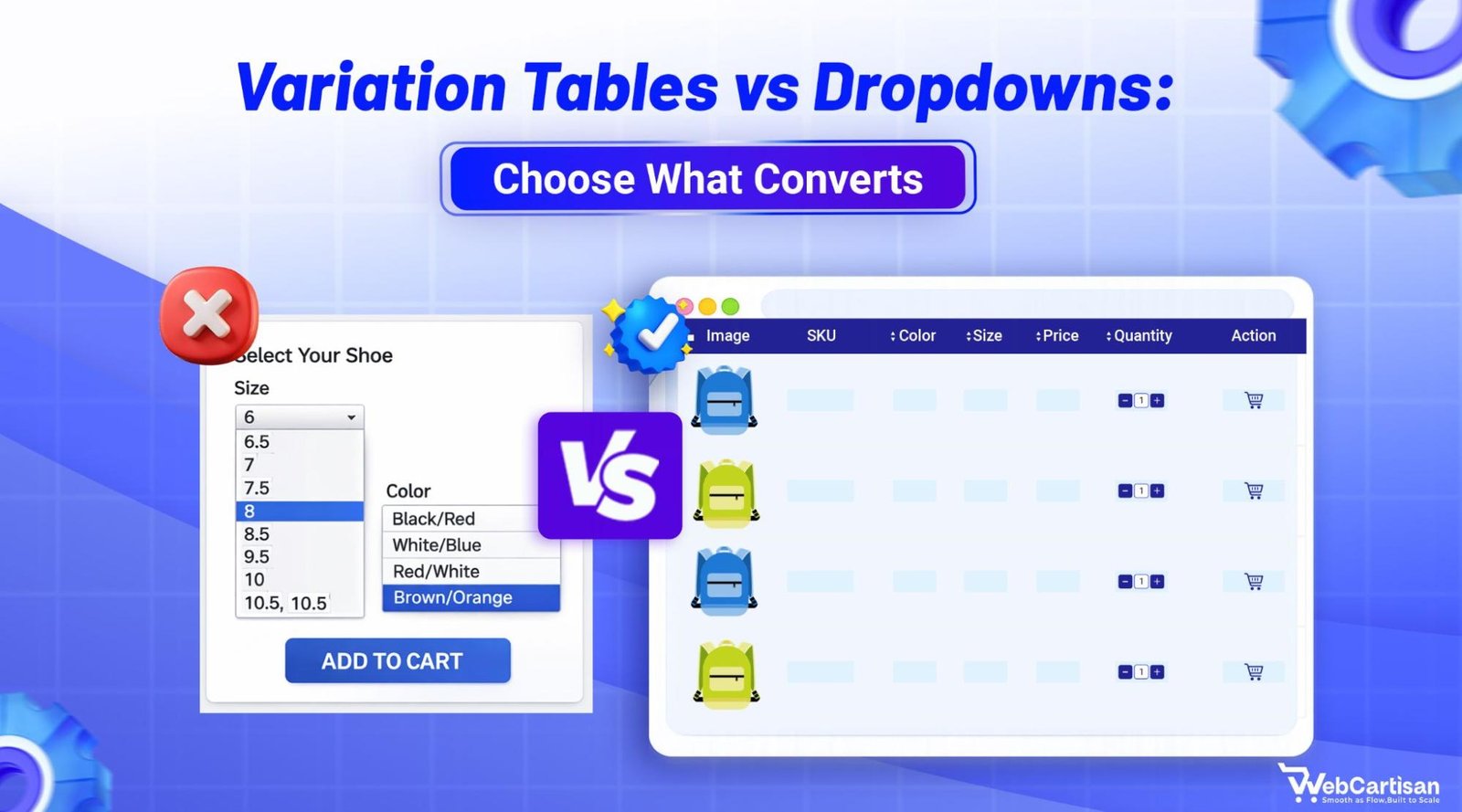
If you sell products with multiple options, the way you present those variations can either speed up the purchase or push shoppers away. When we compare variation tables vs dropdowns, we’re really choosing between simplicity and visibility for online shoppers.
Variation tables are best for products with 5 or more purchasable variants that require side-by-side comparison, while dropdowns work better for simple products with 1–3 options or mobile-first layouts. The right product variation UI depends on variant complexity, buying behavior, and device context.
In this guide, we’ll walk through what each option is, when to use it, and how to decide which one fits your store best.
What Are Product Variations ?
Before we go deep into variation tables vs dropdowns, we need to talk about product variations in general. A product variation is the same base product with one changing attribute – like size, color, pattern, or material.
Research shows that all variations of one product should usually live under a single product listing with clear selectable attributes. As a result, shoppers can easily understand options and compare them.
When stores get this wrong, for example by splitting simple variations into separate products or merging totally different products into one selector,shoppers get confused, miss options, or pick the wrong item.
What Are Variation Dropdowns?
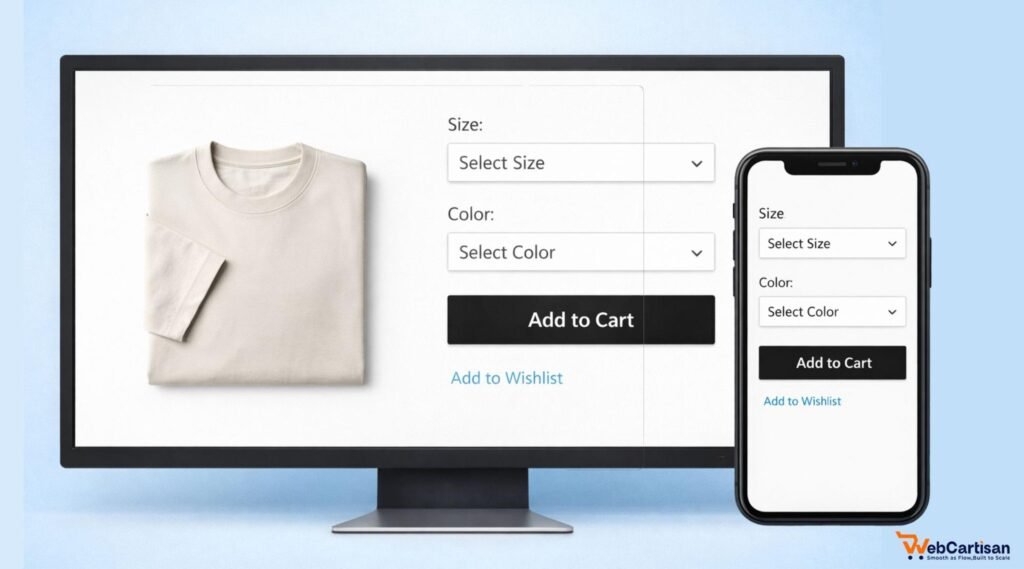
Variation dropdowns are simple menus on the product page that let shoppers choose attributes like size, color, or material before adding the product to the cart.
Most ecommerce platforms use dropdowns as the default way to handle variations because they are compact, familiar, and easy to implement.
How Variation Dropdowns Work
On a typical product page, you’ll see fields like:
- Size (dropdown)
- Color (dropdown or swatches)
- Material (dropdown)
Shoppers make a choice in each field, then hit “add to cart.” The selected combination maps to a specific variant in your catalog.
Well‑designed dropdowns can also trigger changes in price, images, or stock messages as shoppers switch options, which helps them understand what they’re buying.
Pros of Variation Dropdowns for Online Shoppers
When we compare variation tables vs dropdowns, dropdowns usually win on simplicity and mobile friendliness.
Here’s what shoppers gain with dropdowns:
- Clean layout that keeps the focus on product images and copy, not on a heavy interface
- Familiar behavior – most users know how dropdowns work from forms and navigation
- Better mobile experience because native selects are easy to tap and don’t take much space
- Less visual overload when there are only a few attribute options to choose from
For simple products where people buy one variant at a time, dropdowns feel fast and natural.
Cons of Variation Dropdowns
Dropdowns have limits, especially when you compare variation tables vs dropdowns for complex catalogs.
Key drawbacks include:
- Poor at side‑by‑side comparison because options are hidden inside menus
- Easy to miss certain variants if the list is long or labels are unclear
- Harder for power users or B2B buyers who want to order many variants at once
If every selection changes something important like features or specs, simple dropdowns can leave shoppers guessing.
What are Variation Tables?
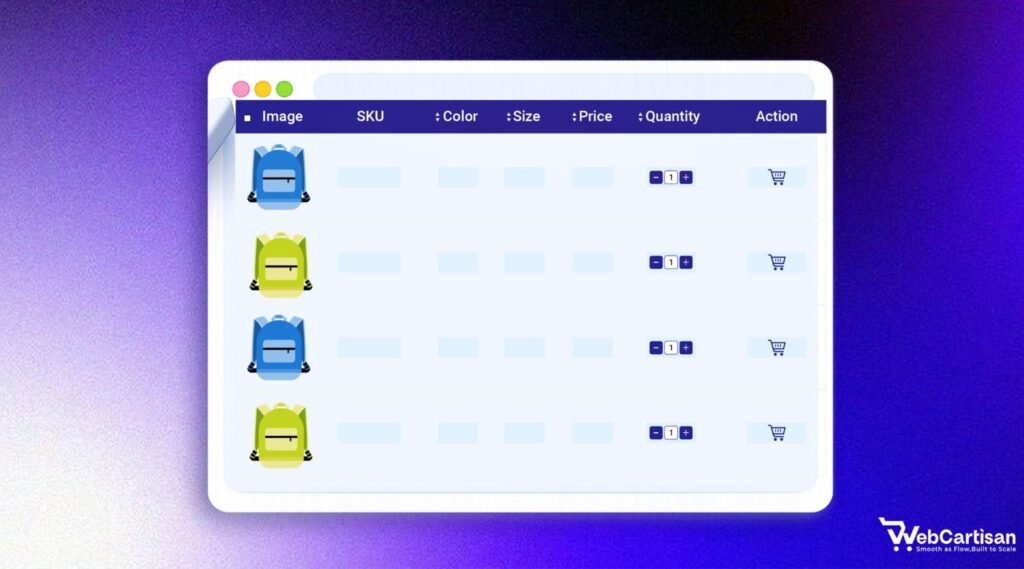
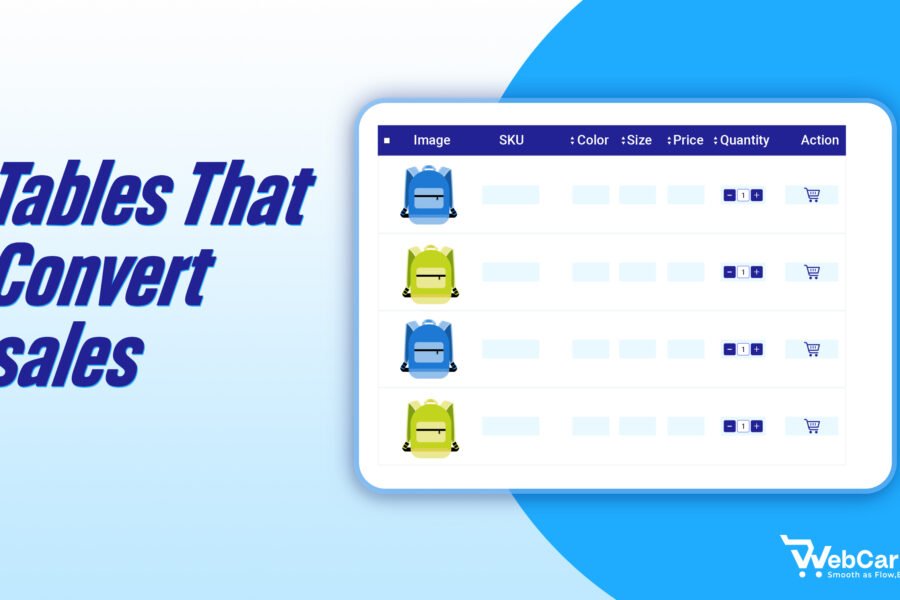
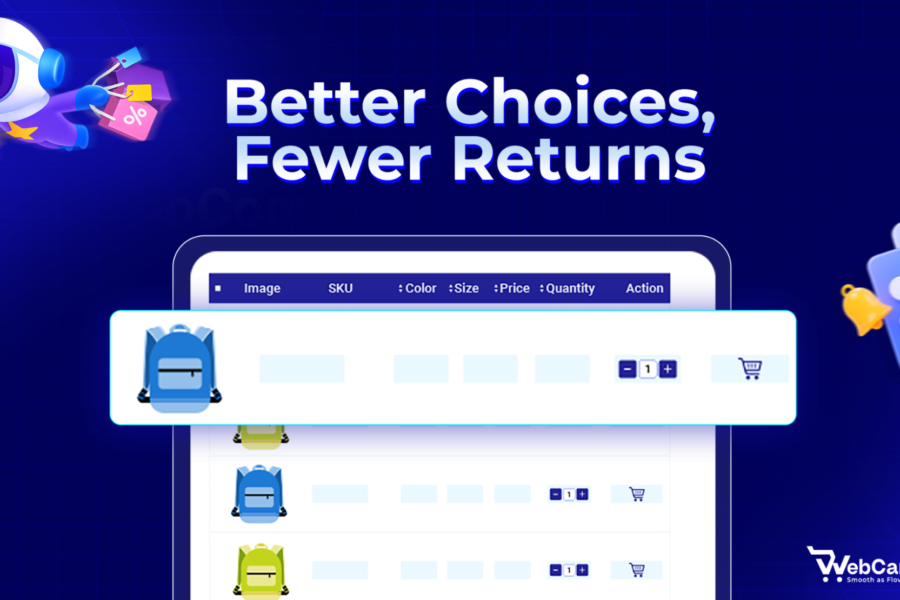
Variation tables present each variation as its own row in a table. Columns show attributes like size, color, SKU, price, stock level, and a quantity field with add‑to‑cart buttons.
Instead of opening multiple dropdowns, shoppers can see all options at a glance and act on several of them in a single view.
How Variation Tables Work
On a variation table, a single product might show:
- A column for attributes (size, color, length)
- A column for SKU or code
- A column for price and stock
- A quantity field per row
- Add‑to‑cart or bulk add button
Many tools also add search, filters, and sorting to help users find specific combinations quickly.
Pros of Variation Tables for Online Shoppers
When we compare variation tables vs dropdowns, tables win whenever shoppers need visibility and control.
Main benefits include:
- Clear overview of all variations with key details in one place
- Simple side‑by‑side comparison of prices, specs, and availability
- Bulk ordering by entering quantities for multiple rows then adding everything to the cart at once
- Better support for professional buyers who rely on SKUs and stock info
For B2B stores, spare parts, or any catalog with many similar variants, this can dramatically reduce the time it takes to place a large order.
Cons of Variation Tables
Tables are powerful, but they’re not always the right move.
Potential downsides are:
- Heavy visual layout that can feel overwhelming for casual shoppers
- More challenging to design for small screens, so responsive behavior must be tested carefully
- More setup and maintenance work to define columns, behaviors, and design
For simple fashion or lifestyle products, a full variation table can look like overkill compared to a few neat dropdowns.
Variation Tables vs Dropdowns: Side‑by‑Side Comparison
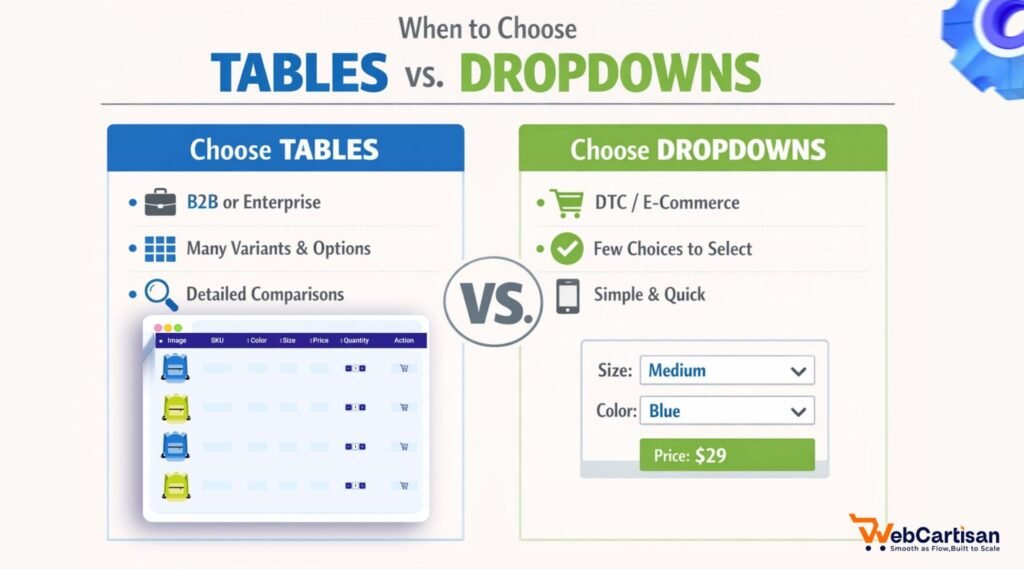
Let’s look at variation tables vs dropdowns in one place so you can see how they stack up for online shoppers.
| Factor | Variation Tables | Dropdowns |
| Number of variants | Great for many variants on one page, especially when differences matter.woocommerce+1 | Better for a small, simple set of options. |
| Buying behavior | Ideal for bulk orders, B2B, and repeat purchases with many lines.woocommerce+1 | Ideal for simple, one‑off consumer purchases.starapps+1 |
| Need to compare | Strong – users can compare across rows instantly. | Weak – users must open menus and remember options. |
| Mobile experience | Requires good responsive design and careful testing. | Naturally mobile‑friendly with native controls. |
| Visual complexity | High – can feel “too much” for small catalogs. | Low – keeps product pages clean. |
| Setup effort | Higher – needs configuration, possibly plugins or custom dev. | Lower – usually built into your platform. |
| Ideal store types | Wholesale, industrial, spare parts, complex configurable items. | DTC brands, fashion basics, simple electronics or home goods. |
What UX Research Says About Handling Variations
UX research on ecommerce highlights one key rule: different products should have different listings, but true variations of one product should be grouped under a single listing with clear attributes.
When brands use attribute selectors (like dropdowns) to switch between what are essentially different products, shoppers struggle to understand differences and make confident choices.
Why Visibility Matters for Variations
When variations change only a straightforward attribute like color or size, they work well as attributes on one product page.
Shoppers expect to choose these options on the product page and don’t need separate listings for each variant – they just need clear selectors that show what’s available.
When attributes are complex and significantly change the product (for example, very different feature sets or technology tiers), research suggests these should be separate products so people can compare them properly.
This is where the variation tables vs dropdowns decision becomes critical. Dropdowns can hide important complexity, while tables can make that complexity easier to scan and act on.
When Variation Tables are Better for Online Shoppers
Variation tables are usually the better choice when:
- Shoppers need to compare many variations in detail before ordering
- Buyers often purchase several variations of the same product in one order
- Attributes like price, length, strength, or compatibility change from variant to variant
- Your main audience is B2B, wholesale, or procurement teams rather than casual consumers
In these cases, variation tables reduce clicks, prevent mistakes, and support professional workflows.
A good example is a spare parts catalog. Buyers might need ten different sizes of the same bolt. A table lets them select everything from one screen instead of repeating a dropdown‑add‑to‑cart flow ten times.
When Dropdowns are Better for Online Shoppers
Dropdowns are usually the better choice when:
- Each product has just a few simple attributes like size or basic color
- You focus on mobile and want a minimal, familiar interface
- Your buyers mostly choose one or two items per session rather than large mixed orders
- Visual storytelling and imagery are more important than dense data tables
For everyday consumer shopping, dropdowns help people move from product discovery to checkout without feeling overwhelmed.
Think of a fashion store where most shoppers just pick a color and size once, add to cart, and move on. A full variation table would add friction instead of reducing it.
Can You Combine Variation Tables and Dropdowns?
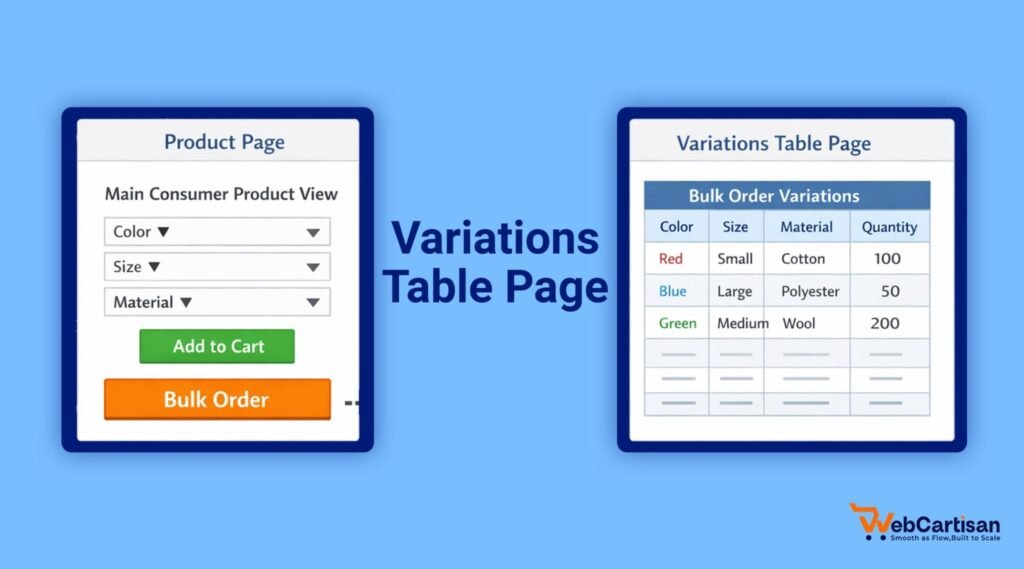
You don’t have to treat variation tables vs dropdowns as an all‑or‑nothing decision. Many stores mix both patterns across different products or even on the same product page.
Common hybrid approaches include:
- Using dropdowns or swatches on the main product view for regular shoppers, with a separate “bulk order” or “wholesale” tab that shows a full variation table
- Showing color as swatches, while size and other attributes appear in a variation table for complex products
- Starting with dropdowns and switching to tables only on products with a very large number of meaningful variants
This way, casual shoppers get a friendly interface, while power users get the efficiency they expect.
Variation Tables vs Dropdowns: Which Should You Choose?
When viewed through the shopper’s eyes, the right choice depends entirely on your product complexity and buyer behavior. For simple consumer products with a few attributes and mobile-heavy traffic, dropdowns keep the experience smooth, fast, and familiar. Shoppers don’t have to think about the interface , they just pick a size or color and check out.
Variation tables shine when buyers need to compare multiple options, place large mixed orders, or require visibility into price differences and stock levels. They reduce clicks, surface critical details, and help professional or repeat customers build accurate carts quickly.
Our verdict:
- Choose dropdowns for straightforward, single-item shopping journeys with fast, familiar decisions.
- Choose variation tables for comparison-heavy, multi-variant, or B2B-style bulk orders.
- Combine both if your catalog serves different shopper types — dropdowns on standard product views, variation tables where power users need more control.
Over time, test both patterns on key products and track conversions, average order value, and support requests. That data will show you exactly where each approach helps your shoppers most. Ready to get started? Explore our guide to building product variation tables in your own store.
Frequently Asked Questions (FAQs)
Are Variation Tables or Dropdowns Better for Mobile?
Dropdowns are usually better for mobile because they rely on native controls that are easy to tap and don’t take much space. Variation tables can still work on mobile, but they need responsive layouts, collapsible columns, and careful testing to stay usable.
Which Option Converts Better: Variation Tables or Dropdowns?
For simple products and single‑item purchases, dropdowns tend to convert better because they reduce friction and keep the page clean. For B2B and bulk orders, variation tables can improve conversions by making it easier to add many variations in fewer steps.
Do Variation Tables Hurt the Visual Design of a Product Page?
They can, if you use them on products with just a few simple options. In those cases, a full table may feel heavy. On products with many meaningful variants, though, tables actually improve clarity by putting all key information in one structured layout.
Can I Use Both Variation Tables and Dropdowns in the Same Store?
Yes. Many stores use dropdowns on most product pages and enable variation tables only for specific products or for “bulk order” views. This hybrid approach lets casual shoppers enjoy a simple UI while power users access more advanced controls when they need them.
How Do I Decide Between Variation Tables vs Dropdowns for a New Product?
Start by asking how shoppers will buy that product. If they usually pick one variant quickly (like a T‑shirt size), use dropdowns. If they often buy multiple sizes, specs, or configurations at once – or need to compare details line by line – use a variation table.
Share your ideas or ask questions in the comments. We would love to hear from you! Want more WooCommerce growth strategies, giveaway ideas, and plugin updates?
Subscribe to our blog and never miss a post.