The Advanced Settings section allows you to customize core behaviors and display patterns of your gift cards. Use these options to fine-tune coupon formats, button labels, and purchasing limits for a more tailored experience.
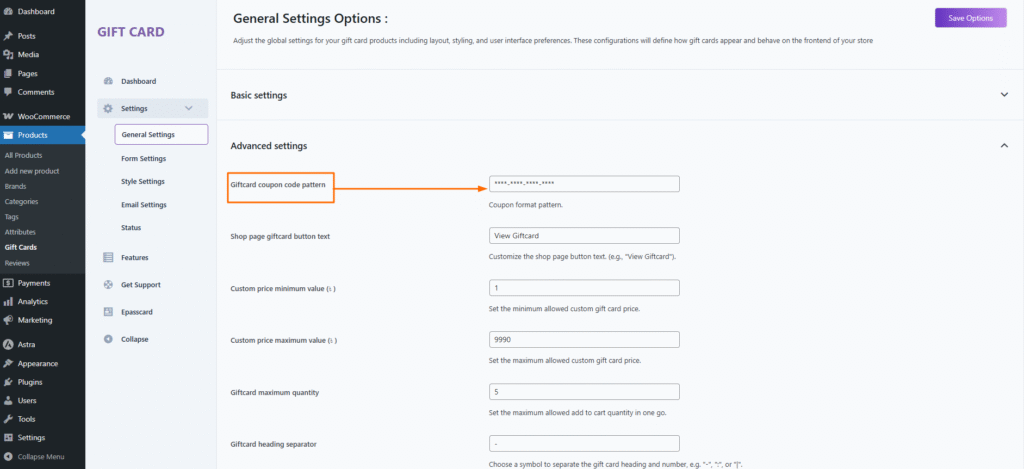
🧩 Giftcard Coupon Code Pattern
Default:****-****-****-**** Description: Define the format of the generated gift card coupon codes. Each * represents a character, and dashes (-) act as separators. You can adjust the pattern to suit your branding or system requirements.
Example: ABCD-EFGH-IJKL-MNOP
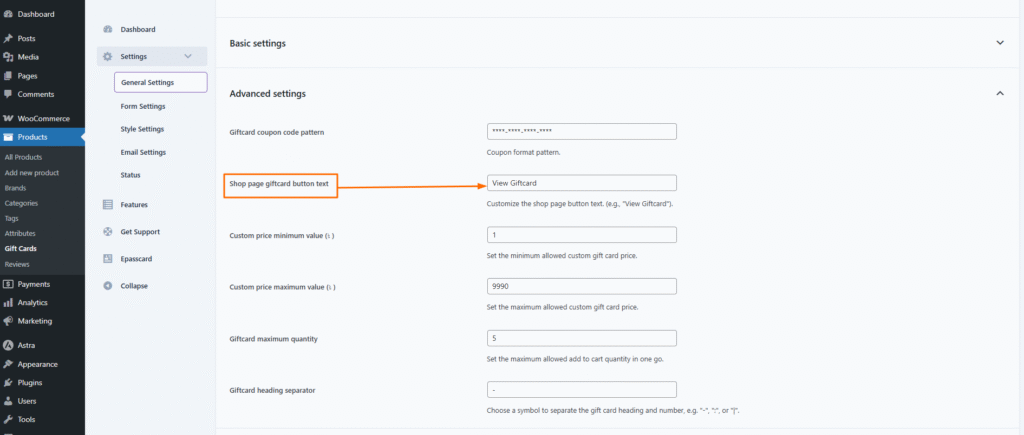
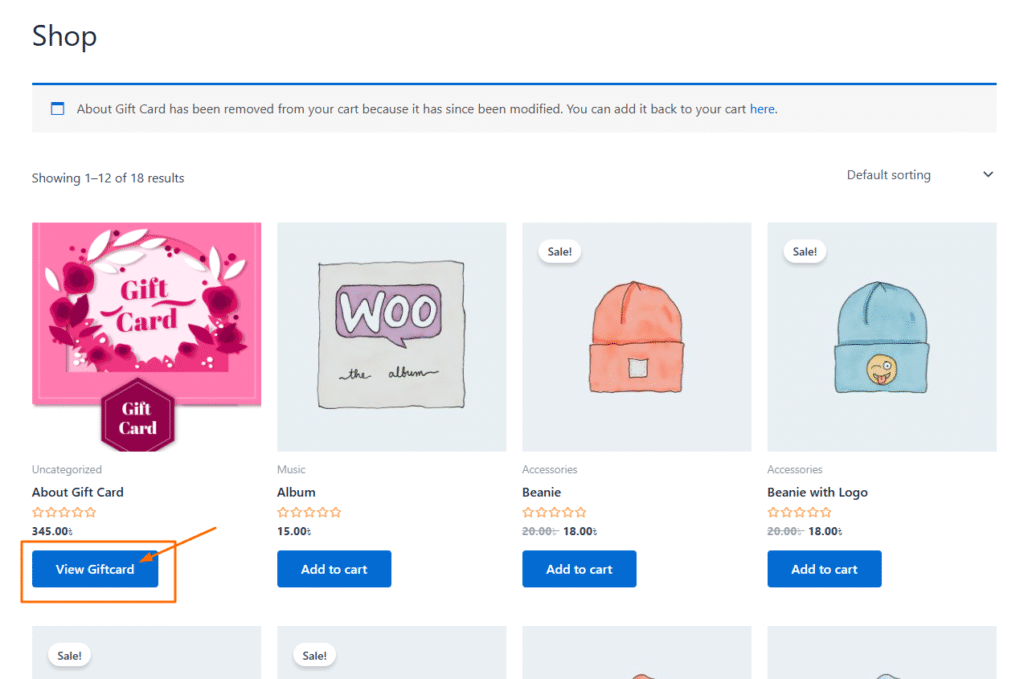
🛒 Shop Page Giftcard Button Text
Default:View Giftcard Description: Customize the text displayed on the gift card product button on the shop or archive pages.
Example: “Buy Now”, “Send Gift Card”, “Get Yours”
💰 Custom Price – Minimum Value ($)
Default:1 Description: Set the lowest allowed custom amount a customer can enter when choosing a “Custom Price” gift card.
💸 Custom Price – Maximum Value ($)
Default:9990 Description: Set the highest allowed custom amount a customer can enter for purchasing a gift card.
🔢 Giftcard Maximum Quantity
Default:5 Description: Define the maximum number of gift cards a customer can add to their cart in one transaction. This helps control bulk purchases or misuse.
➖ Giftcard Heading Separator
Default:- Description: Choose a character to visually separate the gift card heading and its unique number/code. Accepted values may include: -, :, or |