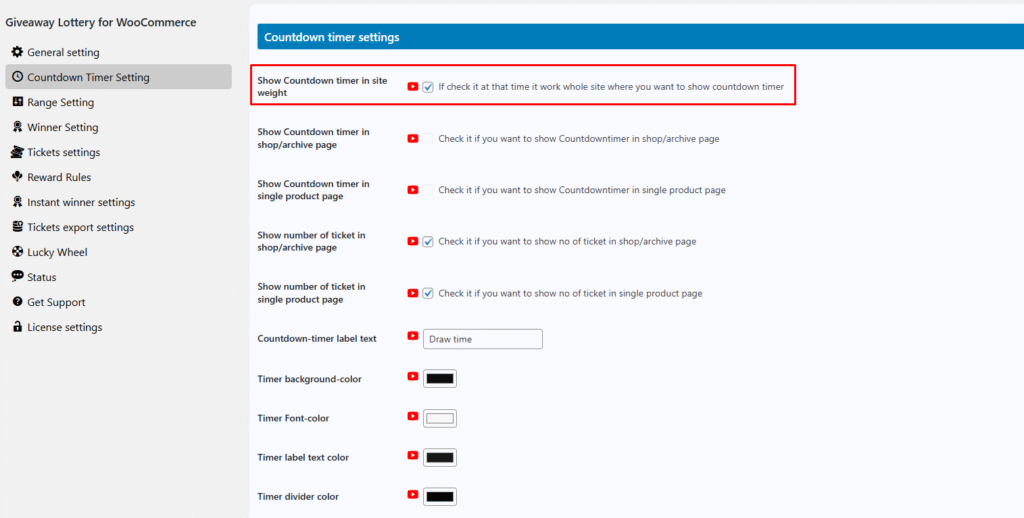
In the Giveaway Lottery for WooCommerce plugin, enable the “Show Countdown Timer (Site-Wide)” option to display the countdown timer across the entire website.
When this option is enabled, the countdown timer will appear on:
- Shop (archive) pages
- Single product pages
- Winner reveal pages
In some cases, single product pages or shop pages may be created using different WooCommerce shortcodes. For those pages, this option must be enabled; otherwise, the countdown timer will not work on the single product or shop pages.