
✏️ Edit Gift Card
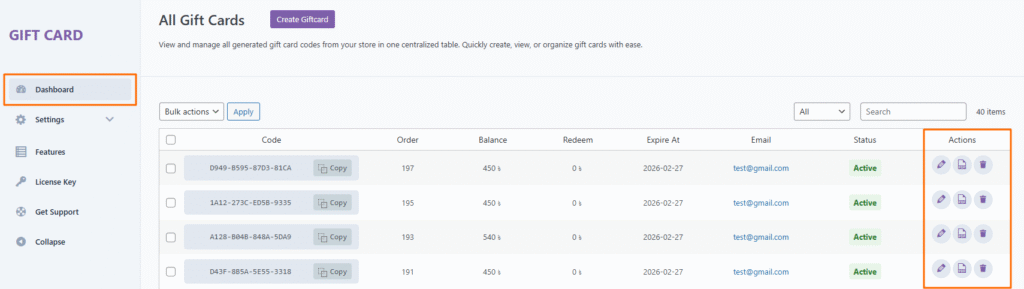
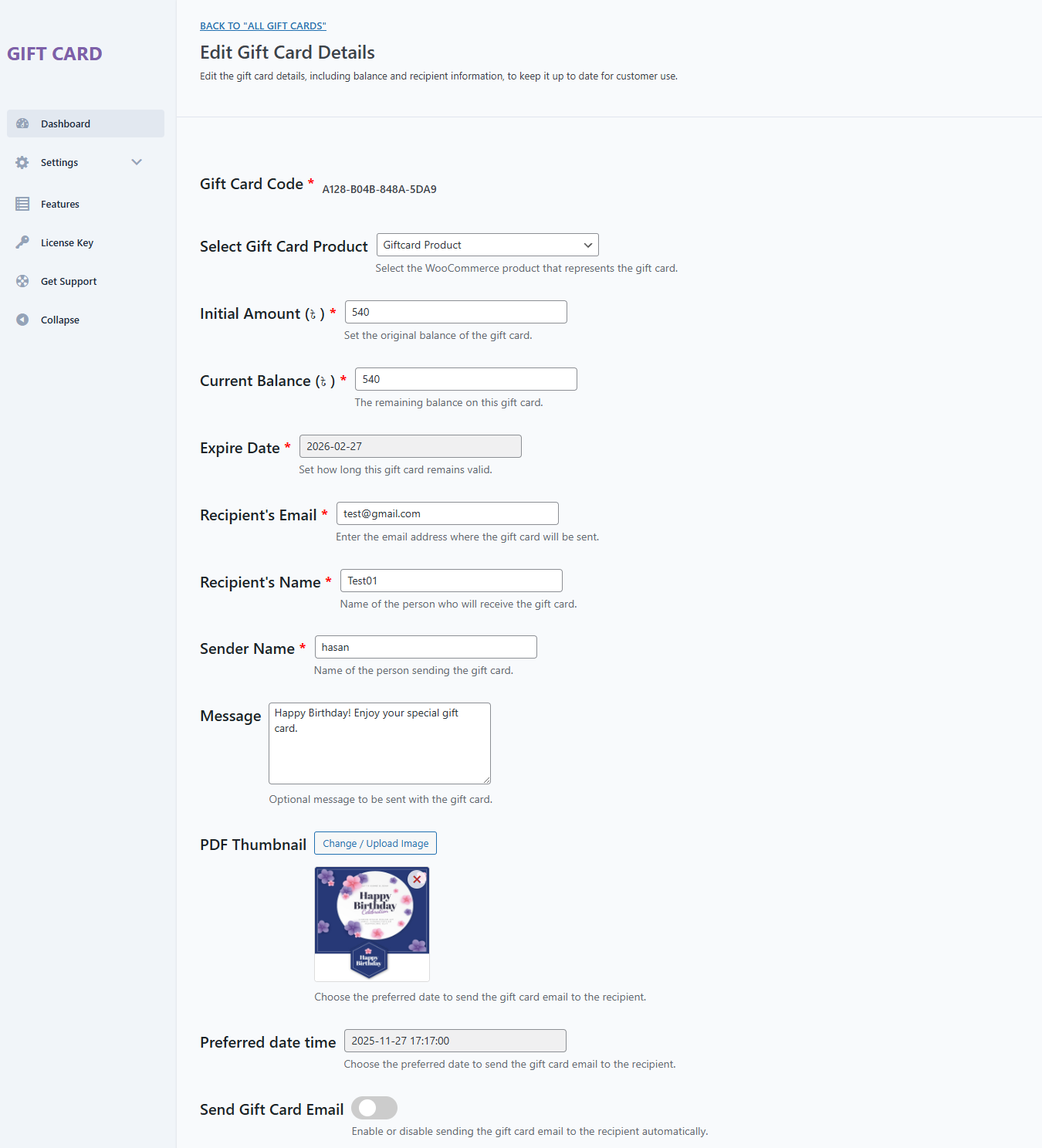
Click the Edit icon to modify the details of an existing gift card. You can update fields such as:
- Gift Card Code
- Select Gift Card Product
- Initial Amount (৳ )
- Current Balance (৳ )
- Expiration date
- Recipient email address
- Recipient’s name
- Sender name
- Message
- PDF Thumbnail
- Preferred date time
- Send Gift Card Email
This is especially useful if you need to correct mistakes or make manual adjustments.
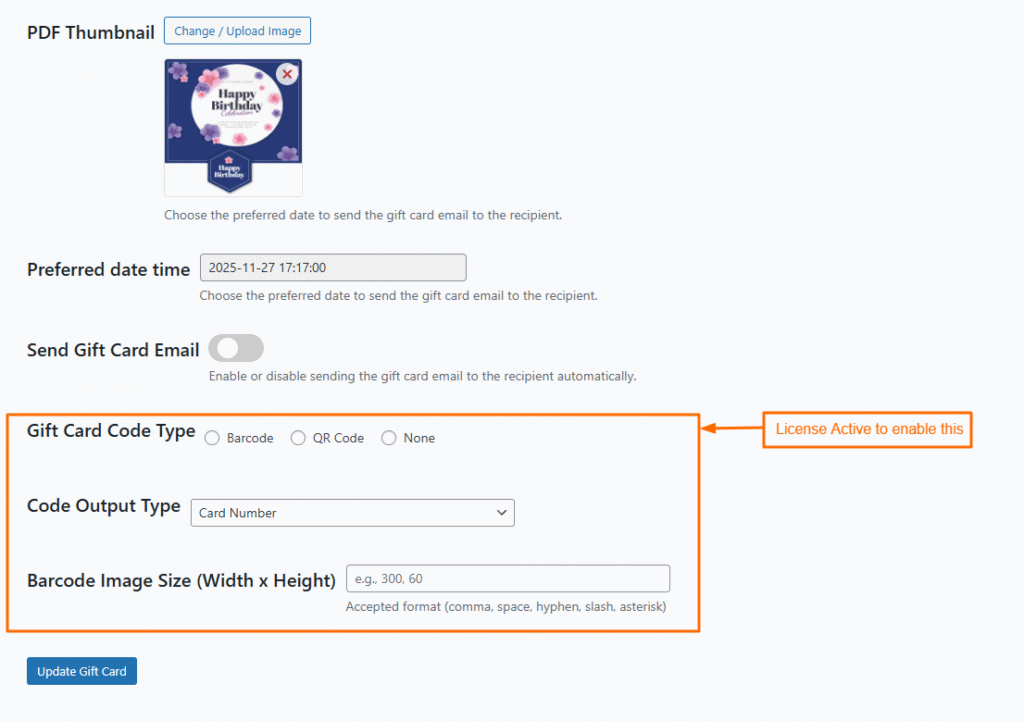
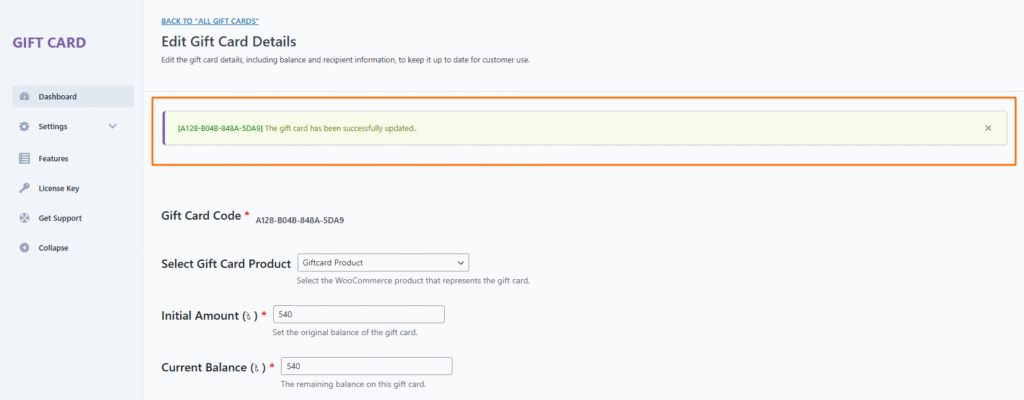
Update the gift card information and click the Update Gift Card button to apply your changes.







