


 Add on Google
 ChatGPT
 Claude
 Grok
Grok
 Gemini
 Perplexity
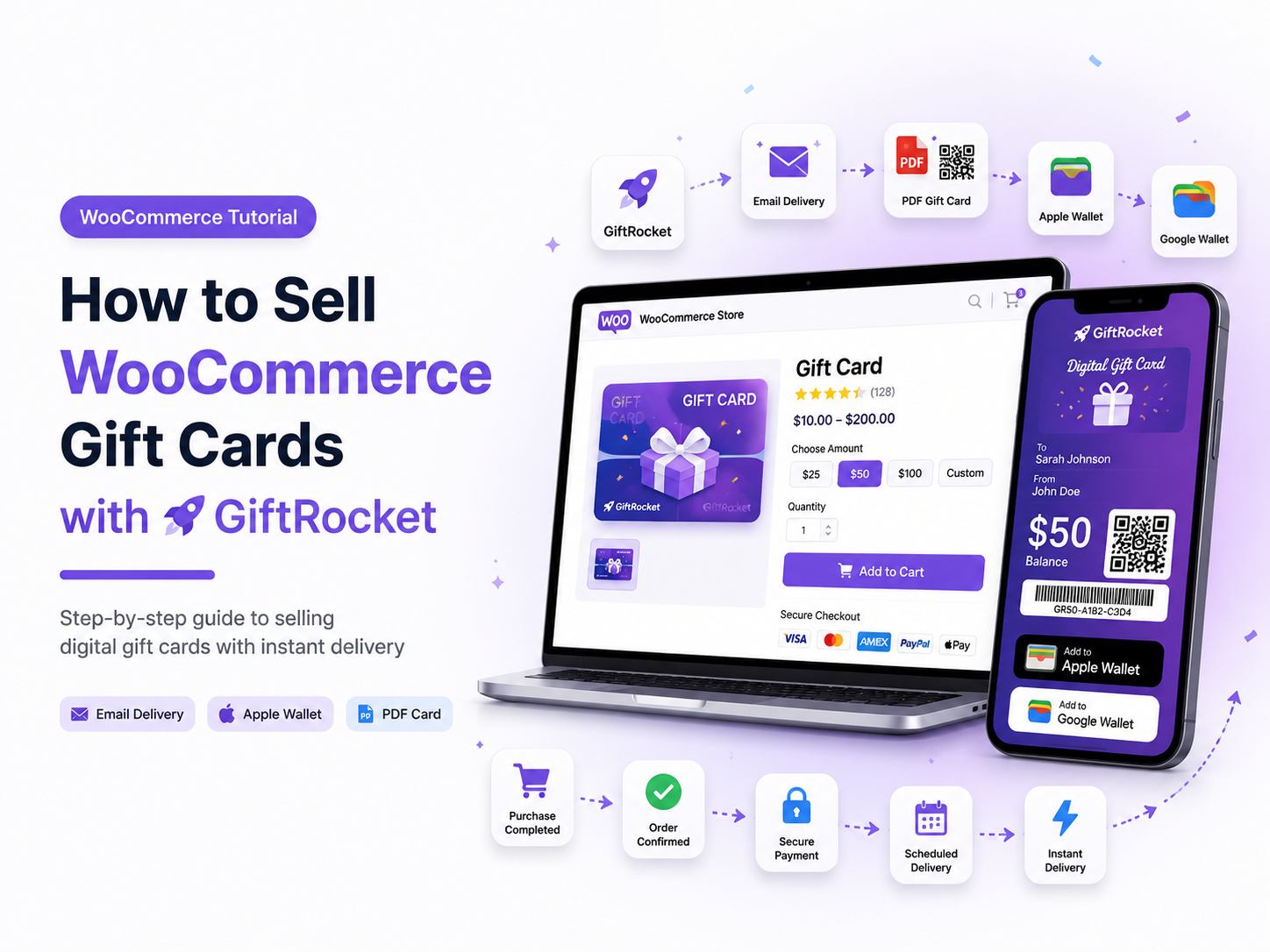
You can sell WooCommerce gift cards with GiftRocket in a short setup. Shoppers buy a card, write a kind message, and send it by email. The friend then spends the balance in your store.
Gift cards also work as gift certificates and gift vouchers. Families use them for birthdays, school events, and Christmas. Your shop gets paid first. New shoppers arrive when a friend opens the card.
What You Need First
Install WooCommerce. Then install GiftRocket (Wallet Ready Gift Cards for WooCommerce). Open GiftRocket → Gift Cards and check the settings.
Create a product. Choose the Gift Card product type. Set preset amounts. You can also allow a custom amount gift card with a minimum and a maximum.
How a Shopper Buys a Card
Buying a gift card is simple:
- The shopper opens the gift card product.
- They pick an amount.
- They choose a design.
- They add the recipient name and email.
- They write a short message.
- They add the card to the cart and pay.
GiftRocket can also schedule the email for a later day. That helps when someone shops early for a birthday.
What the Recipient Gets
The recipient gets an email with the gift card.
GiftRocket can attach a PDF.
You can add a QR code or barcode on the PDF.
Optional Apple Wallet and Google Wallet passes are available when you connect ePasscard.
The recipient redeems the code on the cart or checkout.
Unused balance stays for later visits.
Why This Helps Your Store
Selling digital gift cards benefits both your business and your customers.
- You collect money before the gift is spent.
- Recipients discover your brand.
- Many people spend a little more than the card value.
- Digital cards fit busy families who shop online.
Tips for Christmas Gift Cards
Start early.
Offer clear amounts like 25, 50, and 100.
Keep messages short and warm.
Test one order on a staging site before the holiday rush.
Frequently Asked Questions
Can I Sell Gift Cards Online Without a Print Shop?
Yes.
Digital gift cards send by email.
PDF files help people save or print at home if they want.
Does GiftRocket Work with WooCommerce Blocks?
Yes.
Shoppers can redeem on block cart and checkout.
Classic cart pages work too.
Where Do I Learn More?
Try the live demo or read the documentation.
Next Step
Create one Gift Card product today.
Place a test order.
Confirm the email and PDF look right.
Then publish the product for your shoppers.