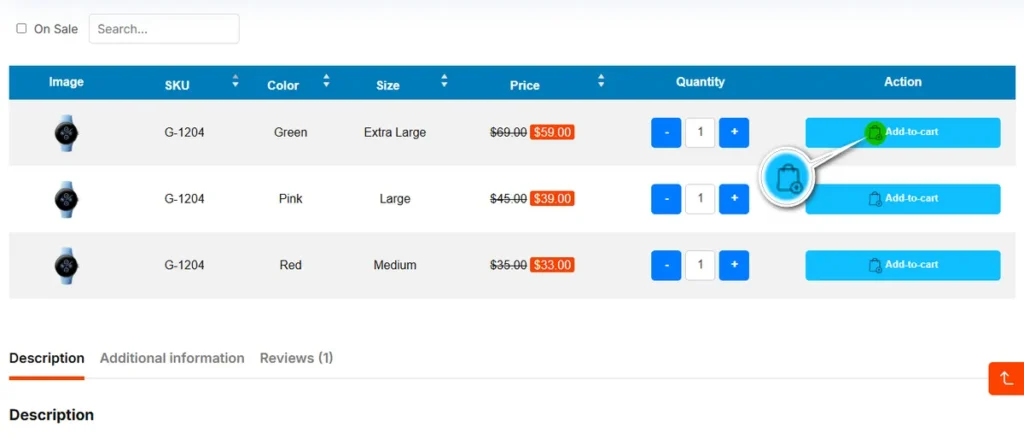
Visual cues help users identify actions quickly. This setting lets you select a specific shopping cart icon from the Font Awesome 5 library to appear on your “Add to Cart” buttons.
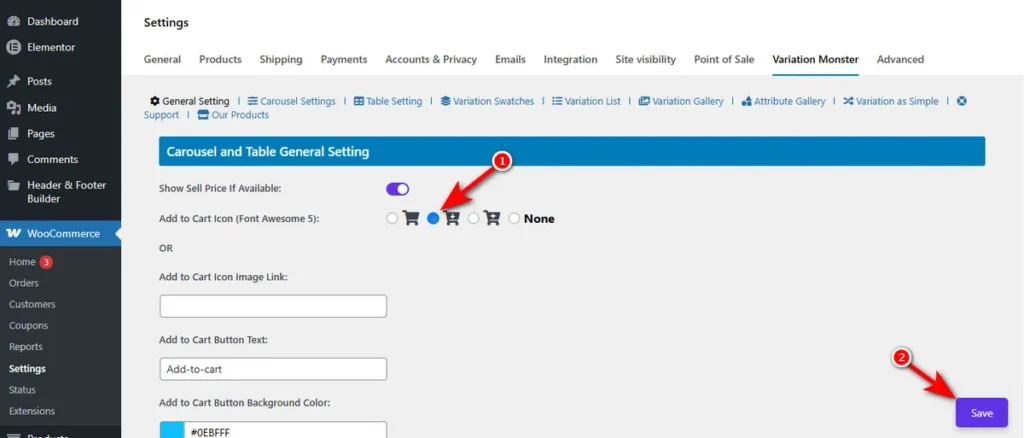
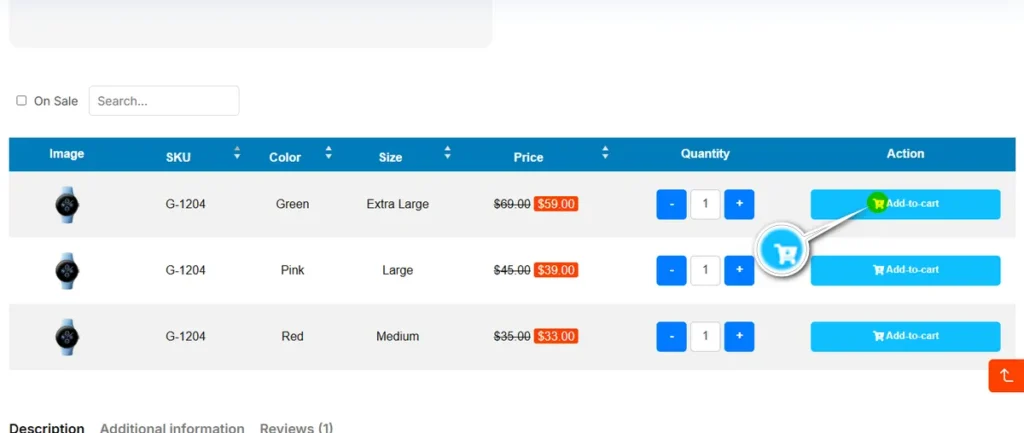
See the changes in the variation table on a variable product’s detail page.
Add to Cart Icon Image Link
If the default icons do not match your branding, you can use a custom image instead.
Simply paste the URL of your desired icon image into this field.
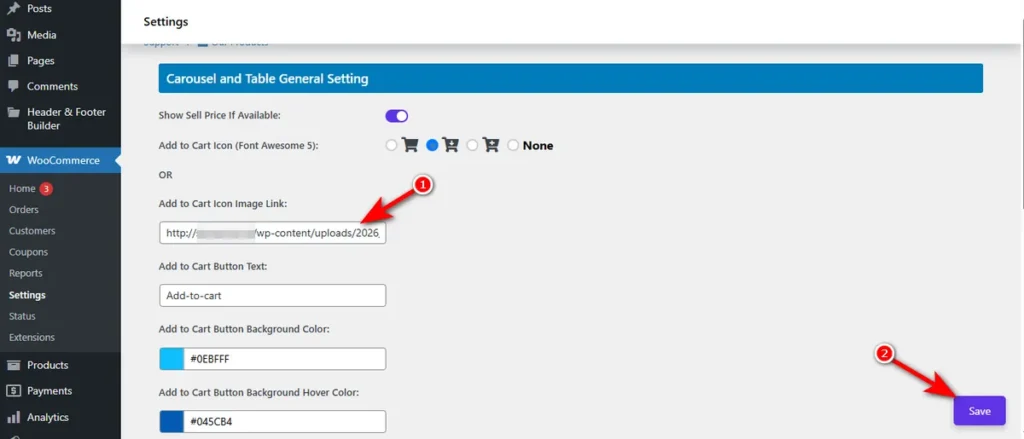
This overrides the Font Awesome selection, giving you complete creative control over the button’s iconography across all Carousel and table views.
Here’s the screenshot of the custom Add to Cart icon.