Most of the time, we are facing a problem with the website reloading when we click the add to cart button. After using this single product customizer, we can prevent this problem by enabling Ajax add to cart.
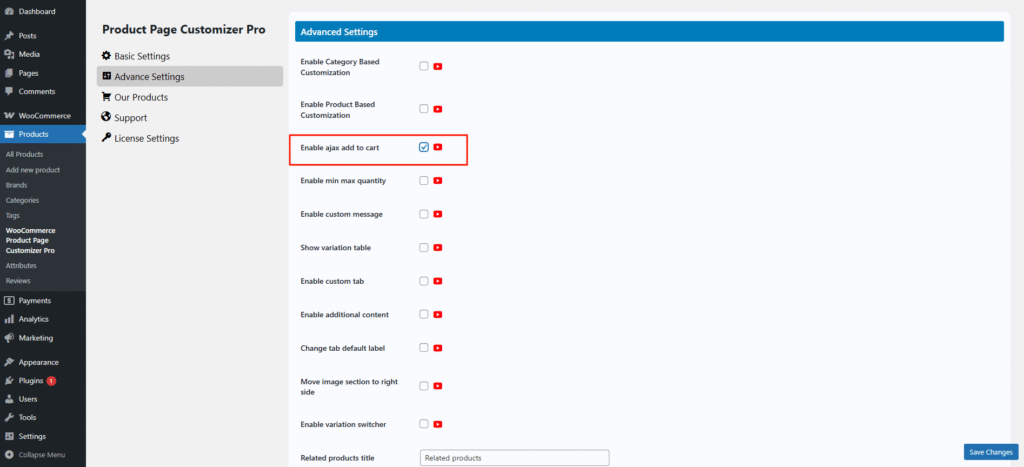


Most of the time, we are facing a problem with the website reloading when we click the add to cart button. After using this single product customizer, we can prevent this problem by enabling Ajax add to cart.