

WooCommerce shows three default tabs on the single product page: Description, Additional Information, and Reviews. However, most of the time, we need extra tabs to display more information, which WooCommerce does not provide by default. The Single Product Page Customizer plugin solves this problem. With this plugin, you can easily add custom tabs to display any additional information you need.
By using this plugin, we can attach extra tabs.
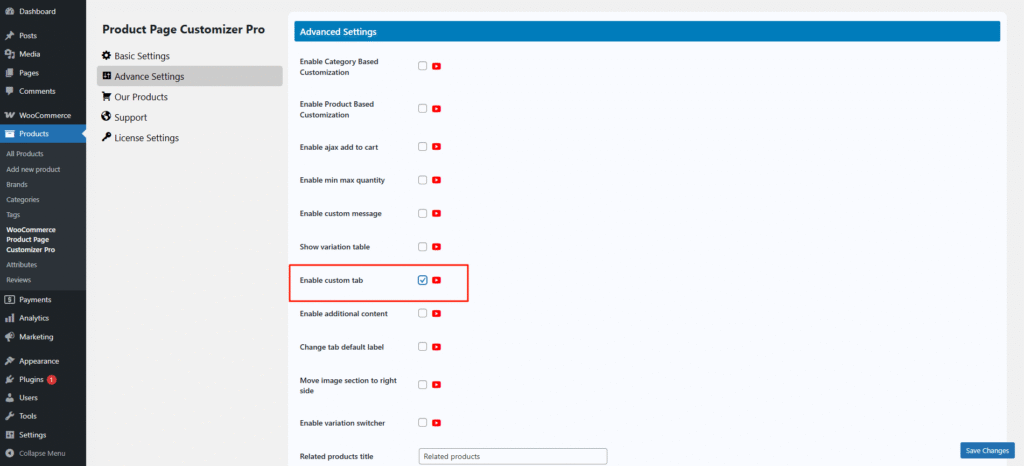
Before enable custom tab woocommerce shows default Description, Additional information and Reviews.

After enable this configuration we need to attach tab content and title from edit product page.

After all settings are complete this shows like the picture below.
