

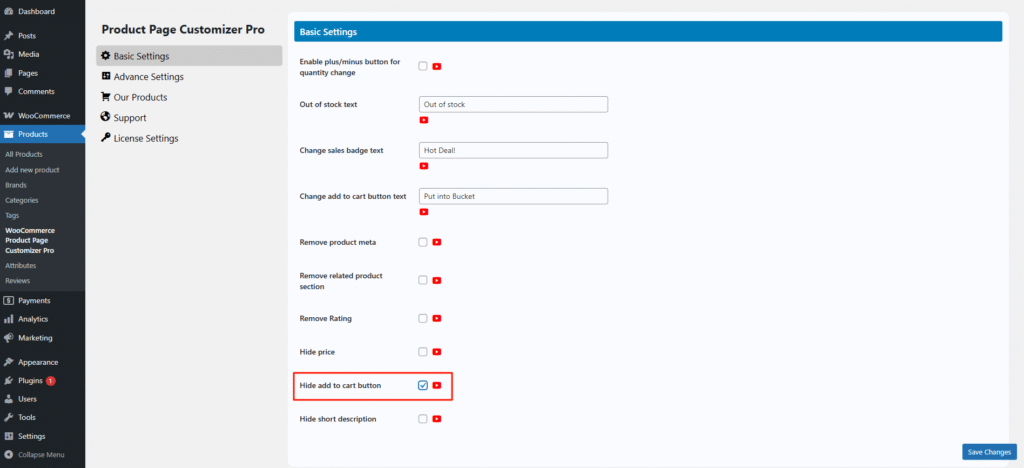
Sometimes, we want to display a product in catalog mode, but we cannot remove the Add to Cart button easily. Now, the Single Product Page Customizer plugin offers this option. Simply check the “Hide Add to Cart Button” setting, and the Add to Cart button will be hidden.
If “hide add to cart button” is checked, then the add to cart button will be hidden from the single product page.
Before hiding the Add to cart button from the single product page.

After hiding the Add to cart button from the single product page.
