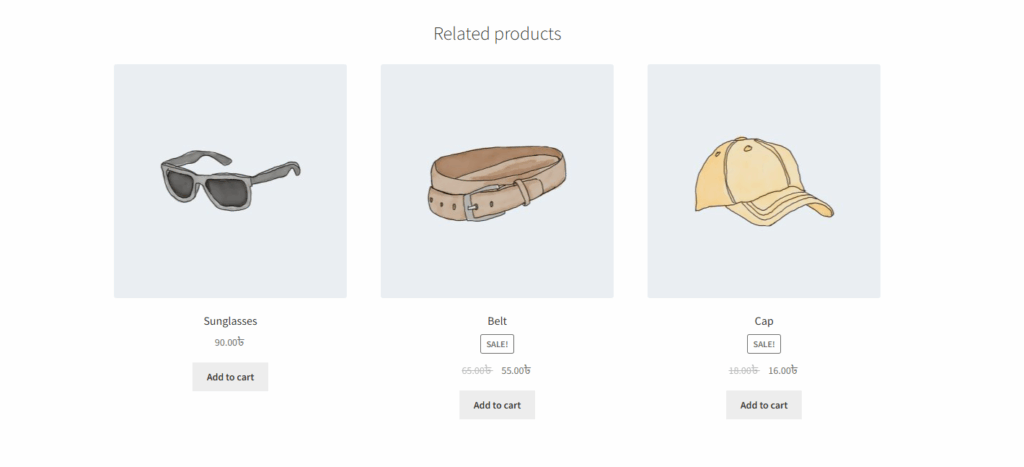
In WooCommerce, related products are shown on the single product page. However, this can sometimes distract customers from the main product, especially if you want to focus on providing a more detailed description. As a result, the page can become too long and cluttered.
To solve this, the Single Product Page Customizer plugin offers a simple solution. Just check the “Remove Related Product Section” option in the settings, and the related products will no longer appear.
If “Remove related product section” is checked, then the related product section will be hidden from the single product page.
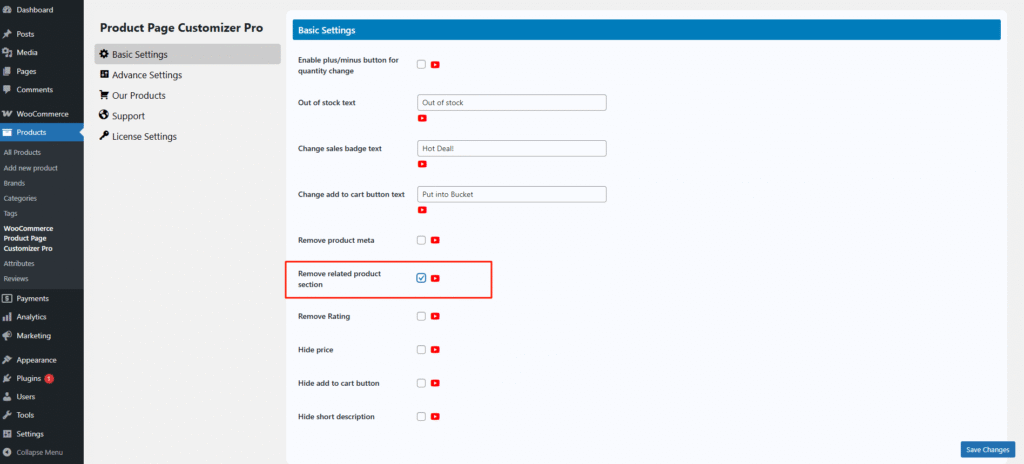
After hiding the related product section from the single product page, this section will be hidden.