Spin & Grab 100% OFF

Get Essential Woo Plugins That’ll Boost Sales & Retention. Limited time

Days
Hours
Minutes
Seconds

How to Remove Product SKU, Category, Tag

  1. Home
  2. Docs
  3. WooCommerce Product Page ...
  4. Basic Settings
  5. How to Remove Product SKU, Category, Tag

How to Remove Product SKU, Category, Tag

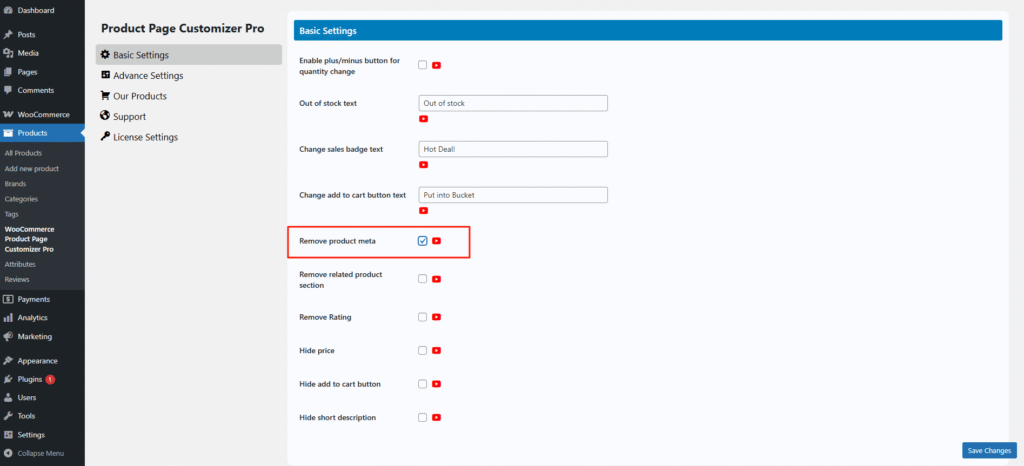
Sometimes, we don’t want to show the product SKU, category, or tags on the single product page, but it’s not always easy to remove them. The Single Product Page Customizer plugin solves this problem.

Simply check the “Remove Product Meta” option, and the SKU, category, and tags will be hidden from the single product page.
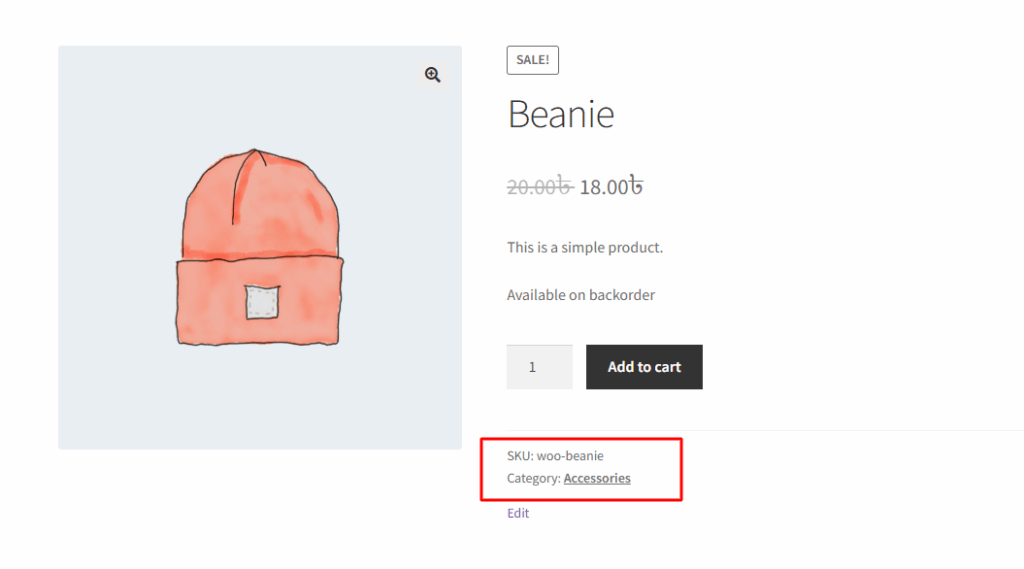
Before removing product meta from the single product page.
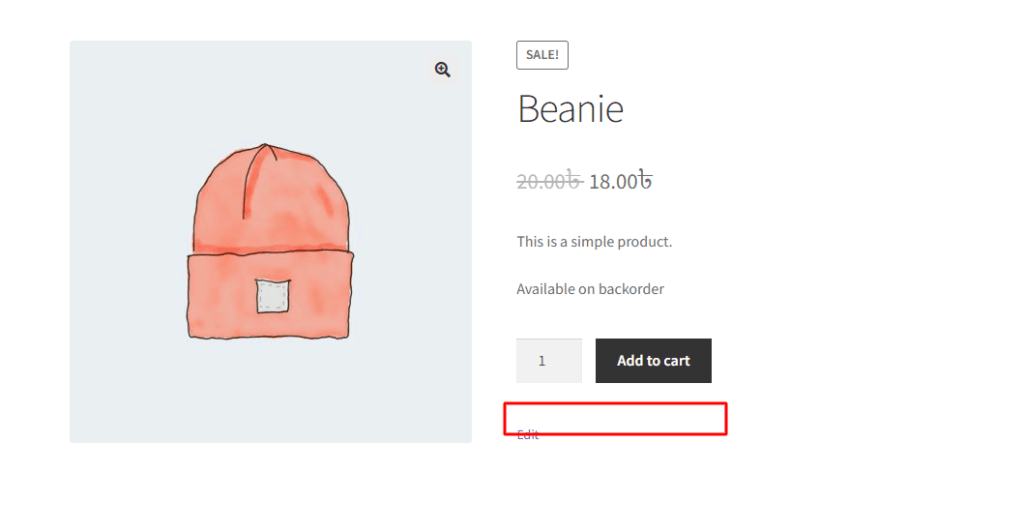
After removing the product meta from the single product page.
How can we help?

Leave a Reply

Wait…

Spin & grab 100% off

Check your luck — grab exclusive discounts on advanced Woo plugins, or better luck next time.

Click to Win
No spam. Limited-time offer.