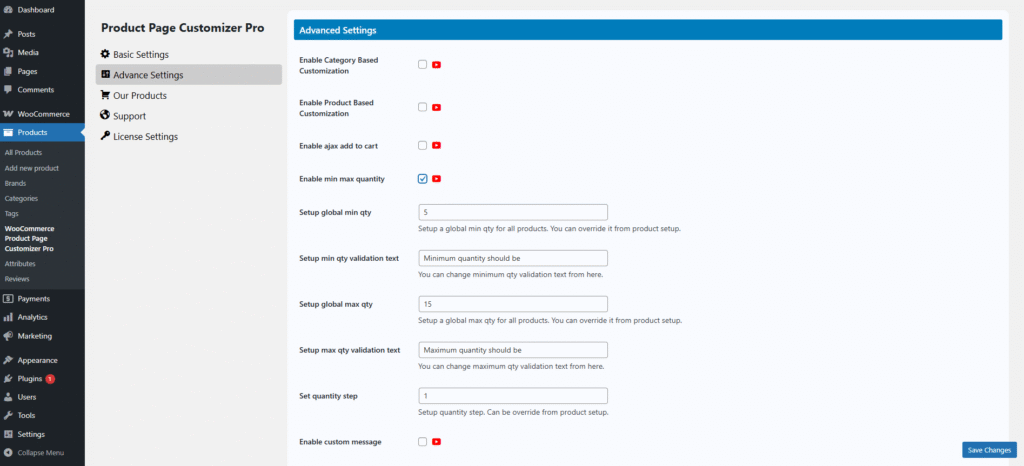
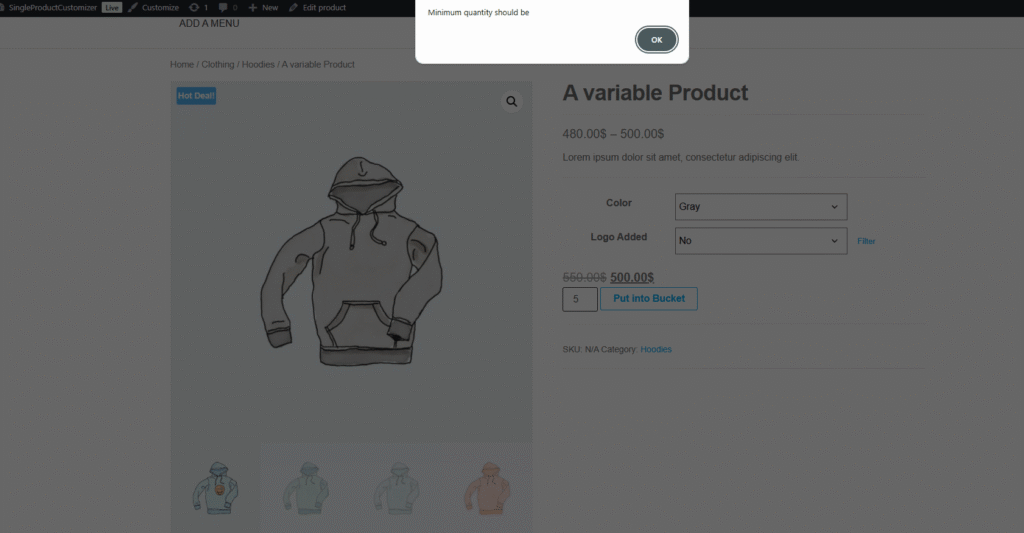
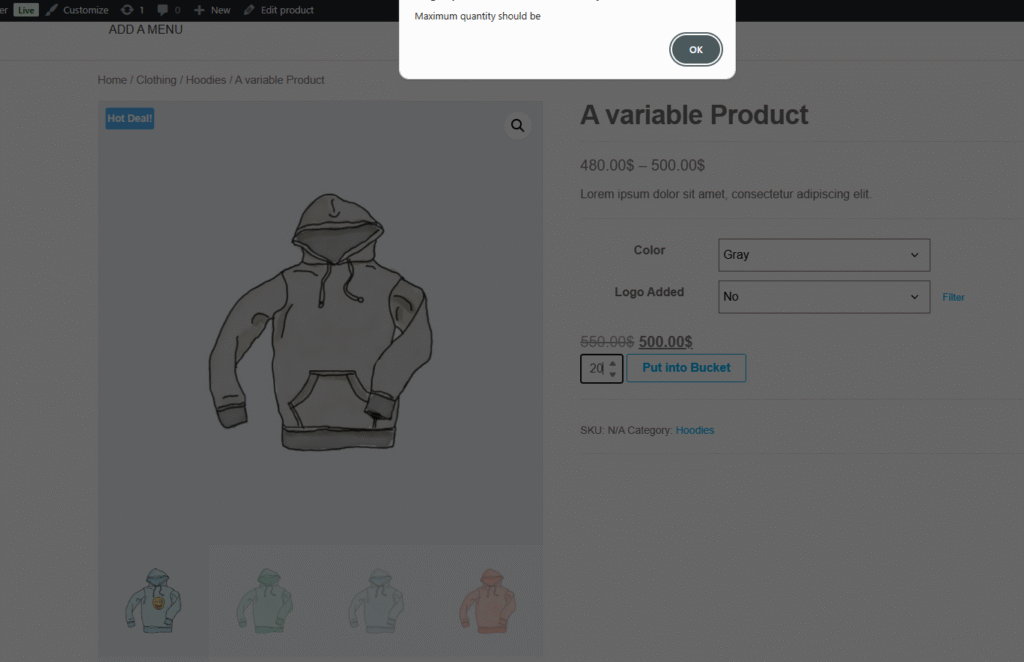
Sometimes in our store, we have faced our product quantity is limited; at that time, we can configure it by enabling min-max quantity. This min-max quantity setting we can configure for every product, every category.


Sometimes in our store, we have faced our product quantity is limited; at that time, we can configure it by enabling min-max quantity. This min-max quantity setting we can configure for every product, every category.