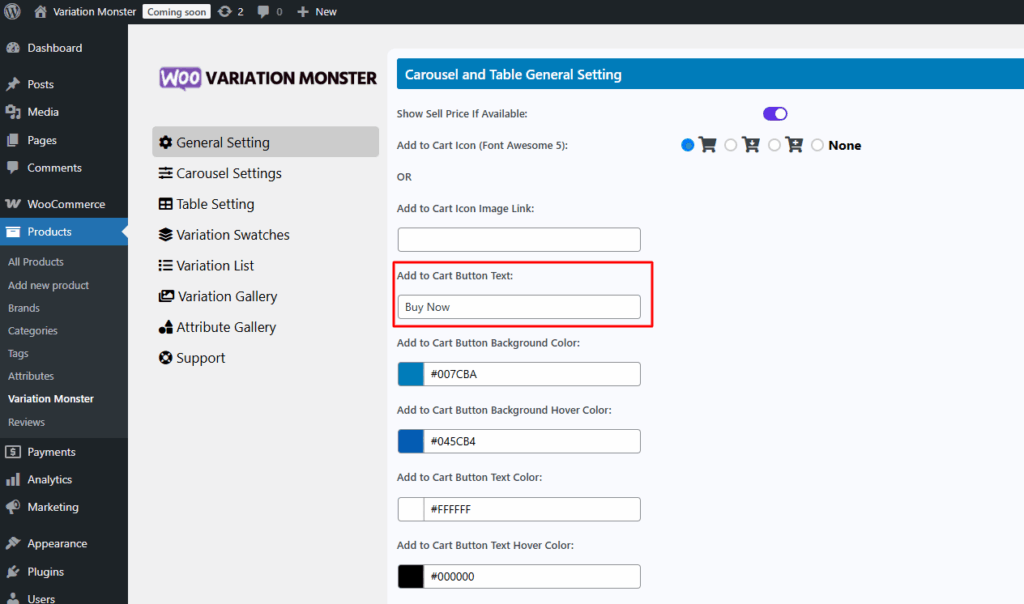
With the Variation Monster Plugin, you can easily customize the Add to Cart button text to better match your product type, store language, or branding preferences. Whether you want to change it to “Buy Now”, “Select Options”, or something more specific, the plugin provides a simple setting to modify the button label directly from the admin panel—no coding required. This allows for a more personalized shopping experience and improved user engagement.
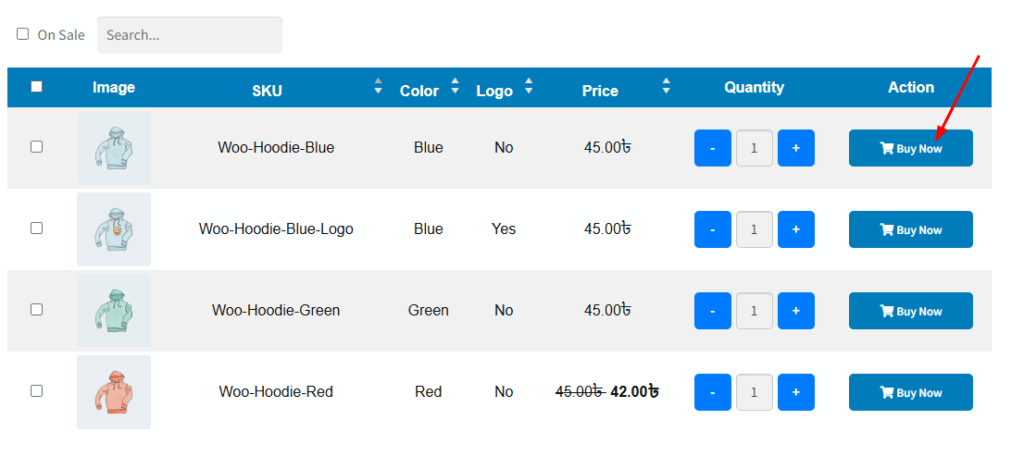
This is how the setting appears on the frontend — the custom text will be displayed on every Add to Cart button across the variation table, quick view all places.