Spin & Grab 100% OFF

Get Essential Woo Plugins That’ll Boost Sales & Retention. Limited time

Days
Hours
Minutes
Seconds

How to Change Carousel Navigation Button Icon Color

Variation Monster for WooCommerce

⌘K
  1. Home
  2. Docs
  3. Variation Monster for Woo...
  4. Carousel Setting
  5. How to Change Carousel Navigation Button Icon Color

How to Change Carousel Navigation Button Icon Color

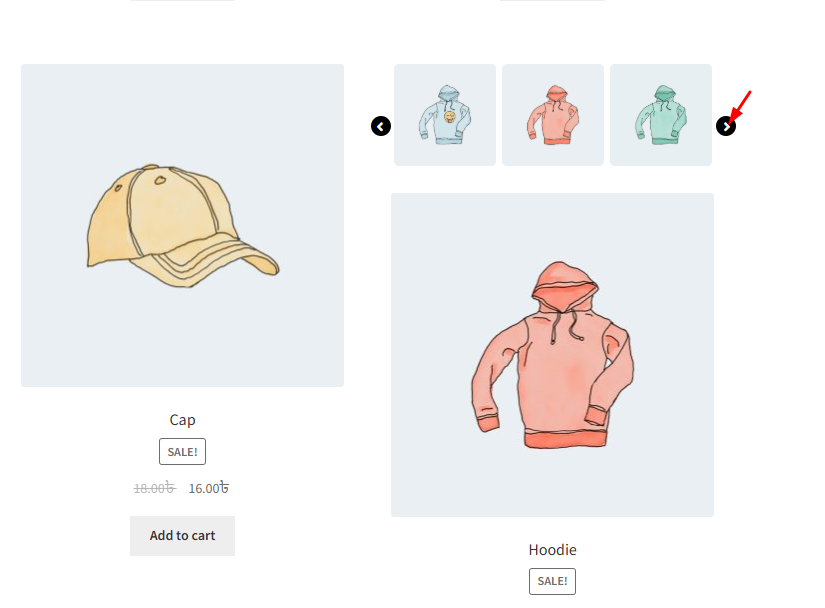
This setting allows you to customize the color of the navigation icons (arrows) used in the Quick Cart Carousel. Using the built-in color picker, you can choose a color that matches your site’s design, helping to maintain visual consistency and improve user interaction with the carousel.
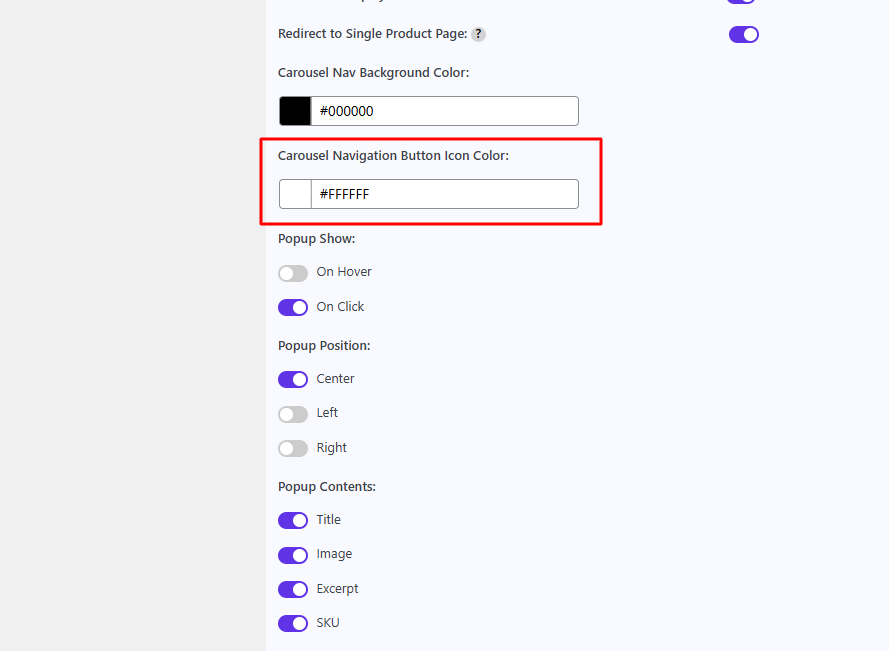
After changing this color, it shows in the frontend as the navigation button color.
How can we help?

Leave a Reply

Wait…

Spin & grab 100% off

Check your luck — grab exclusive discounts on advanced Woo plugins, or better luck next time.

Click to Win
No spam. Limited-time offer.
//