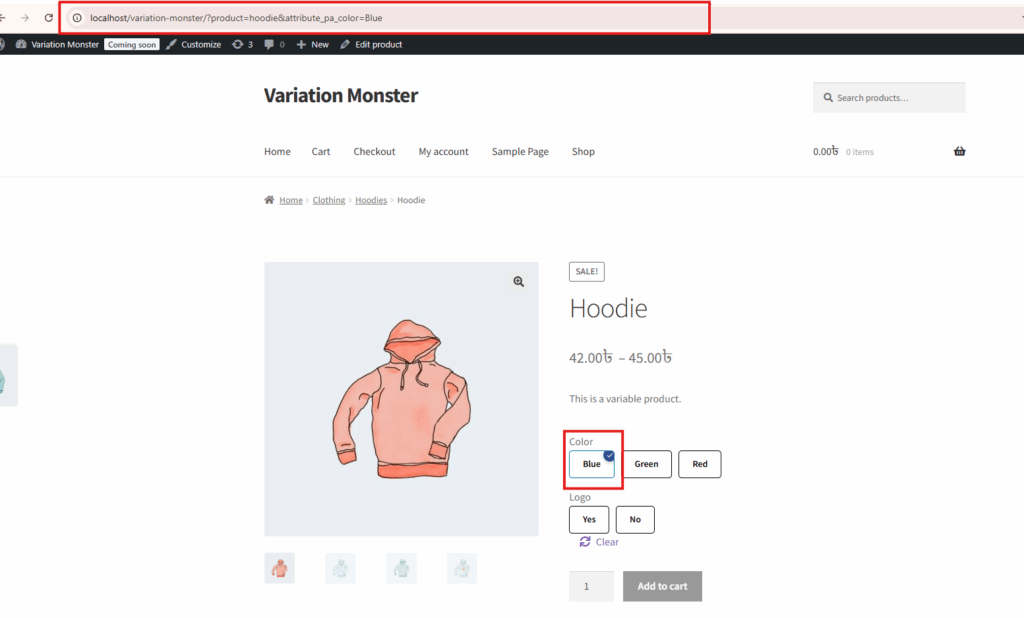
In the Variation Monster plugin, the Configure Variation Swatches in Archive Page feature allows you to enable variation swatches directly on the shop or archive pages. Once enabled, customers can select all required variation attributes (like color, size, etc.) without visiting the single product page. After selecting the necessary variations, they can instantly add the product to the cart from the archive page. Another term that is if you click any attribute that time it will be resirect to the single product page and tin this single product page this attribute will be selected. This feature enhances user experience by simplifying the shopping process and reducing the number of clicks needed to make a purchase.
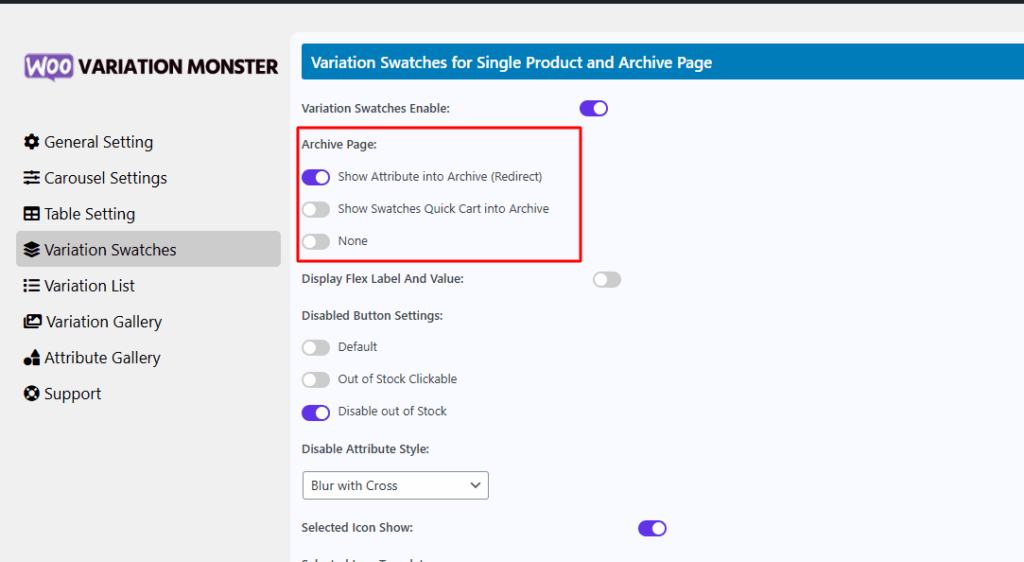
Show Swatches Quick Cart into Archive:
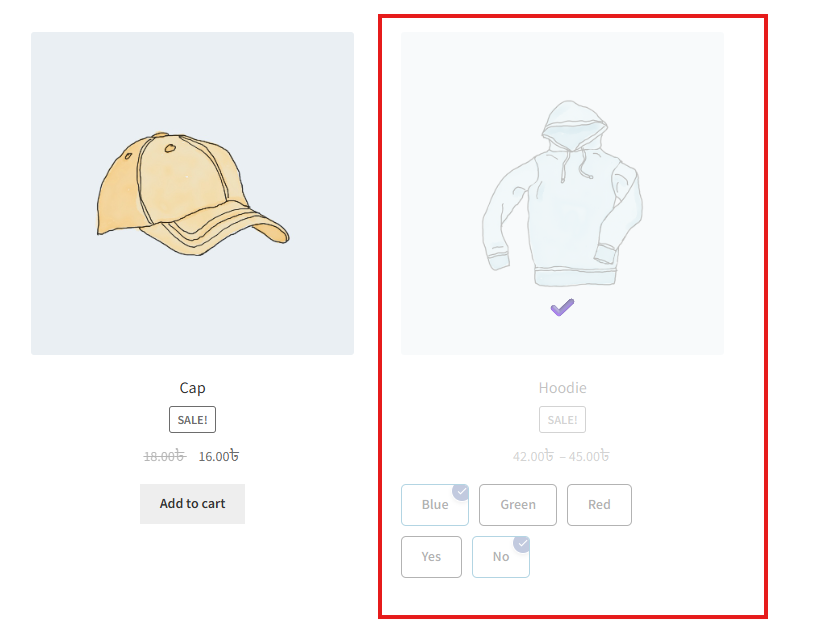
After enable this feature it work in archive page for every variation product. After select all attribute it will be add to cart. Tt will appear like the image below.
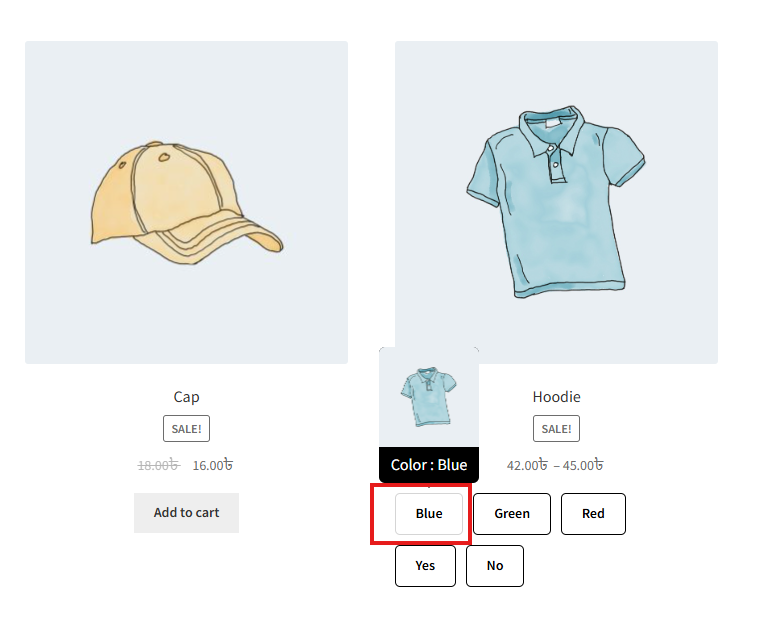
Show Attribute into Archive (Redirect):
After enable this feature and if you click any attribute that time it redirect to the single product page.
After click it go to single product page