Spin & Grab 100% OFF

Get Essential Woo Plugins That’ll Boost Sales & Retention. Limited time

Days
Hours
Minutes
Seconds

How to Configure Attribute Gallery Image Size

Variation Monster for WooCommerce

⌘K
  1. Home
  2. Docs
  3. Variation Monster for Woo...
  4. Attribute Gallery Setting...
  5. How to Configure Attribute Gallery Image Size

How to Configure Attribute Gallery Image Size

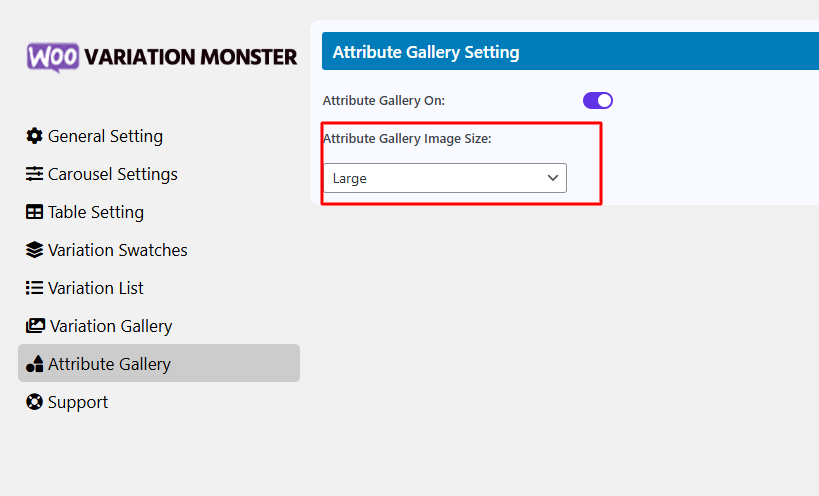
This setting allows you to choose the size of images displayed in the attribute gallery. You can select from standard WordPress image sizes like ThumbnailMediumLarge, or Full. Selecting the appropriate size helps ensure optimal image quality and faster loading times, especially important for performance and responsiveness on both desktop and mobile devices.
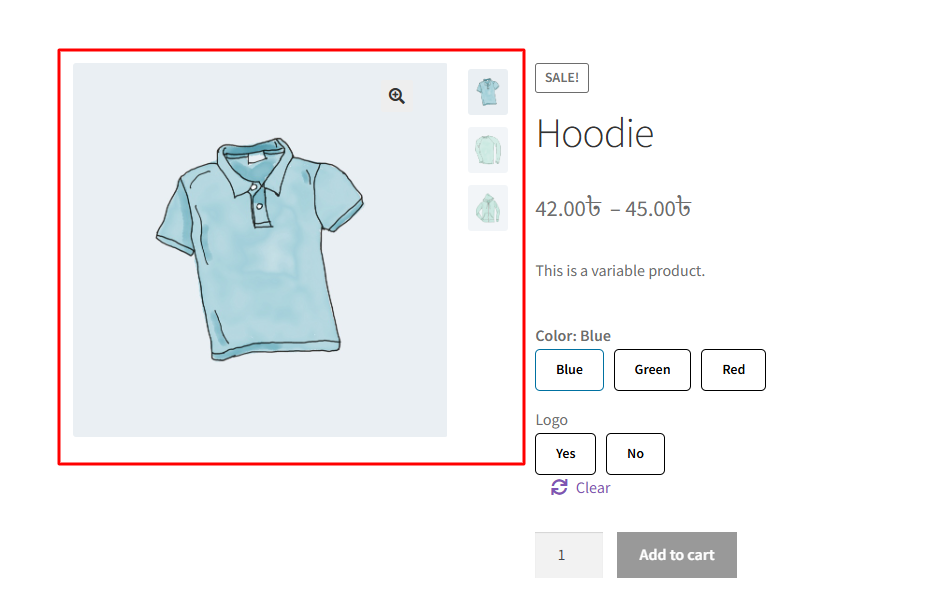
After changing it, it shows like the image below.
How can we help?

Leave a Reply

Wait…

Spin & grab 100% off

Check your luck — grab exclusive discounts on advanced Woo plugins, or better luck next time.

Click to Win
No spam. Limited-time offer.
//