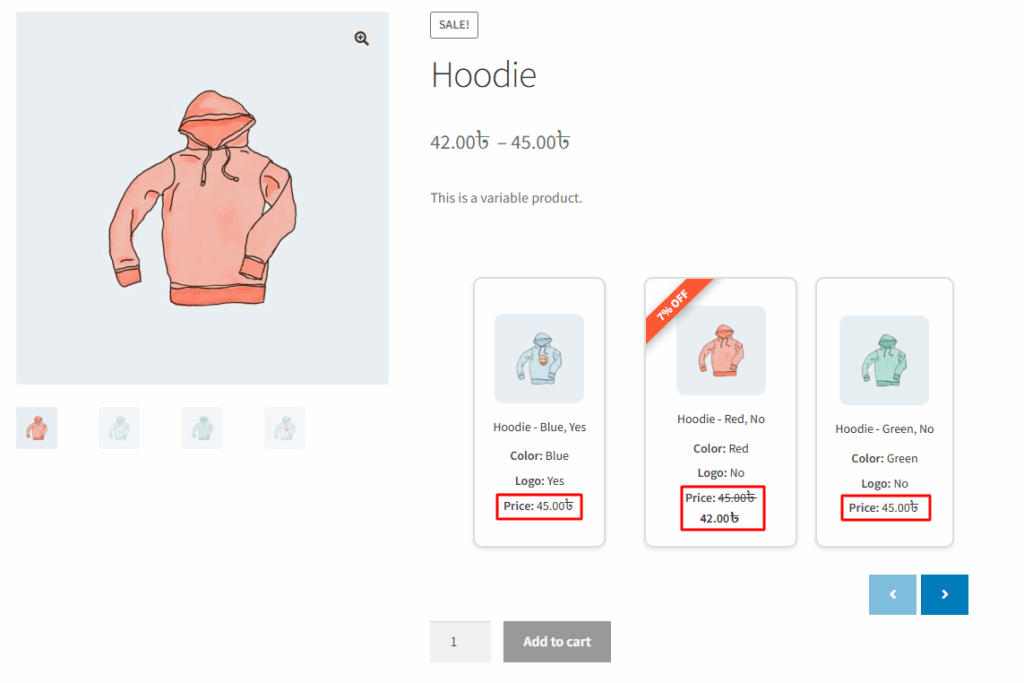
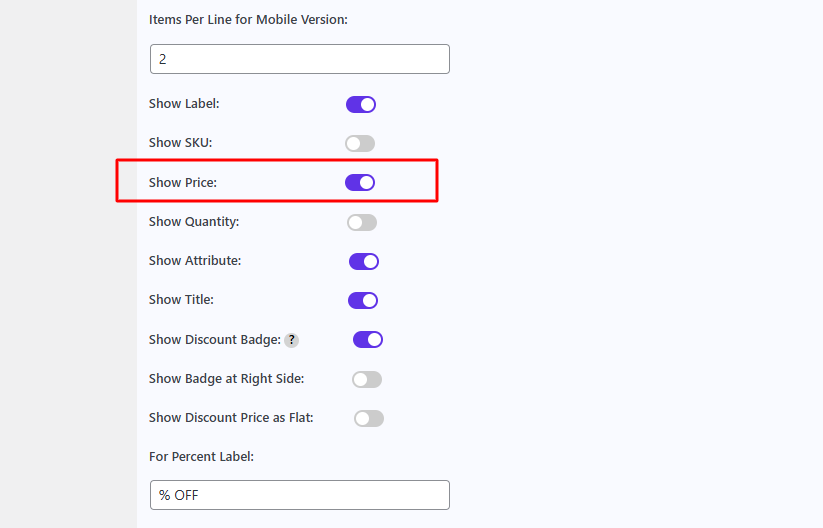
In the Variation Monster plugin, the “Show Price” setting under the Variation List section lets you display the price of each variation directly in the list. When this option is enabled, customers can easily view the price of each variation without needing to select it individually. This enhances transparency and improves the shopping experience by allowing users to quickly compare variation prices. If disabled, the price column will be hidden, offering a more minimal layout.
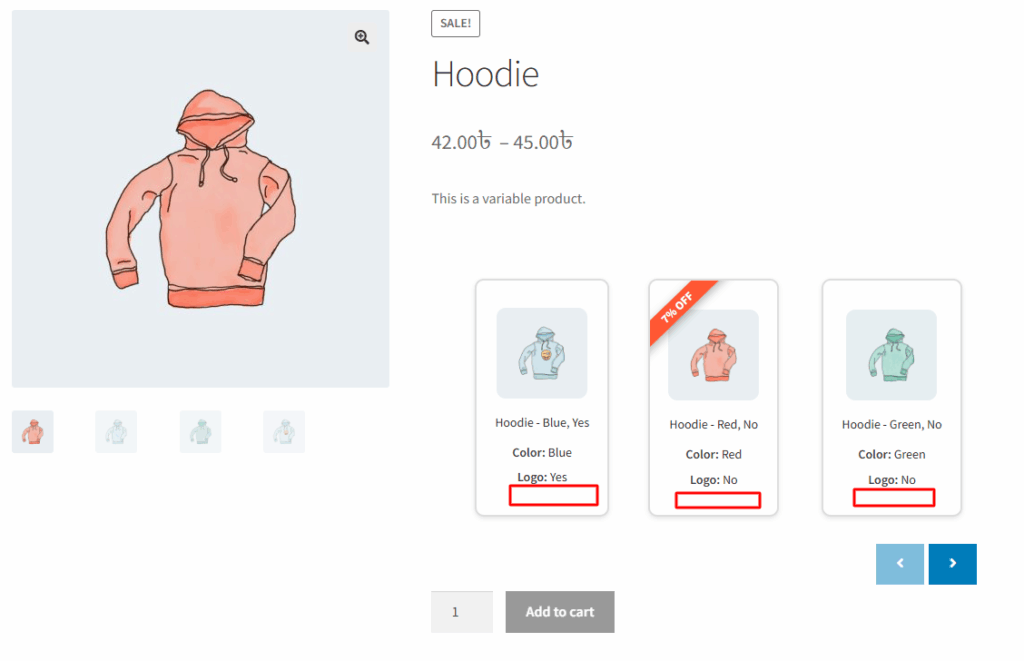
Before enabling it, it shows like the image below
After enabling it, it shows like the image below