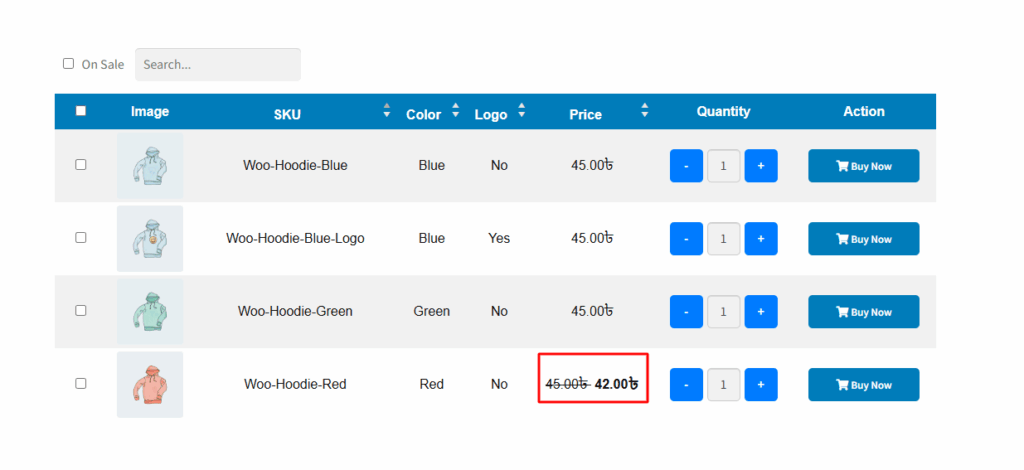
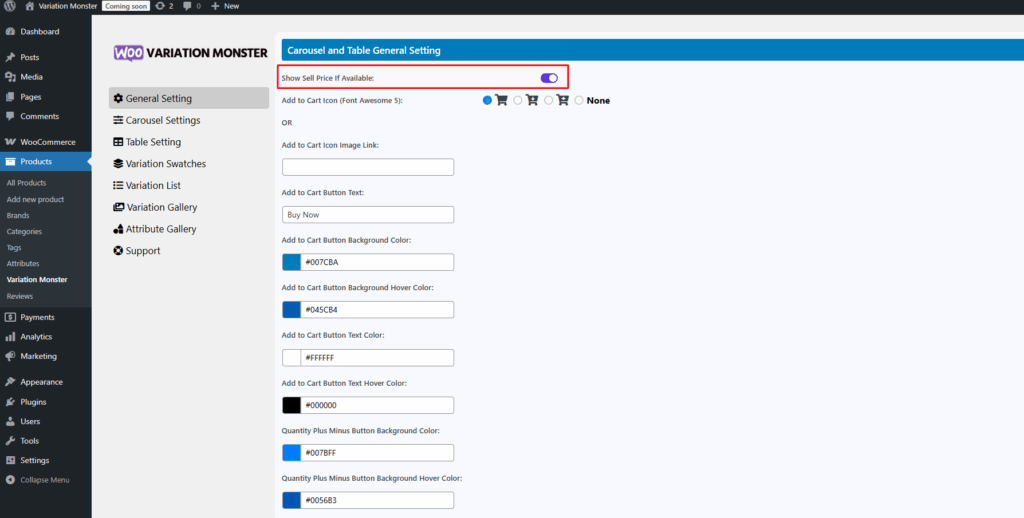
This setting allows you to automatically display the sale price for product variations whenever a discount is applied. If a variation has both a regular price and a sale price, the plugin will show the sale price prominently, with the regular price struck through, making discounts clearly visible to customers and encouraging conversions. If no sale price is set, only the regular price will be shown.
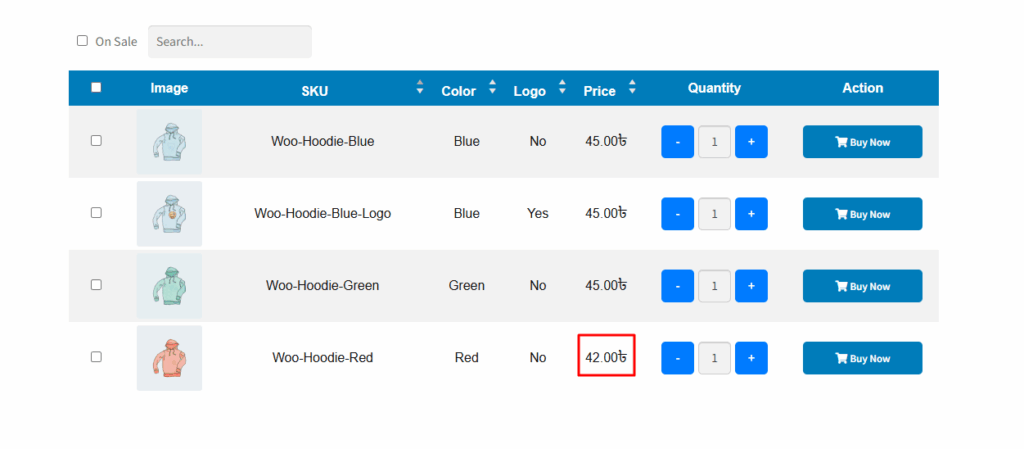
Before enabling this setting, if both a sale price and regular price are set, only the sale price is displayed.
After enabling this setting, if both a sale price and regular price are set, that time both price is displayed.