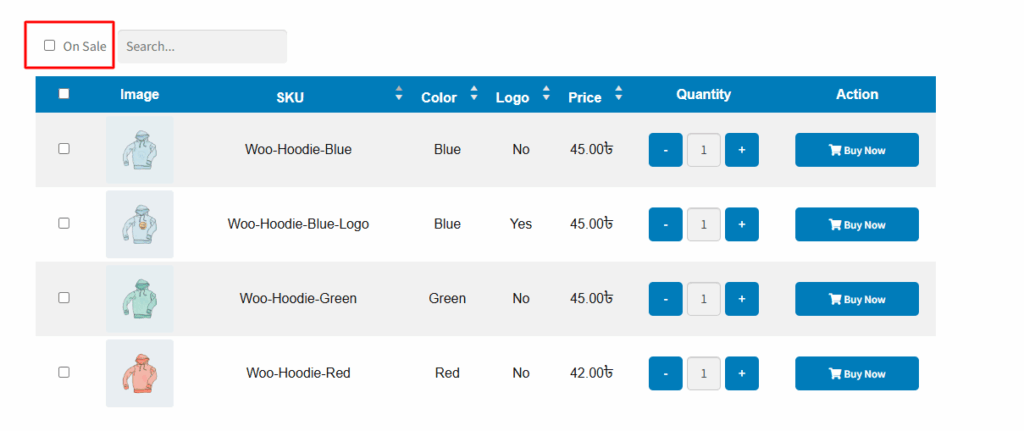
In the variation table, there’s a useful feature called the “On Sale” option. When this checkbox is selected, the table filters and displays only the variations that are currently on sale. By default, the label next to this checkbox shows the text “On Sale”.
However, using the “On Sale Name Change” setting, you can easily customize this text to anything you prefer, such as “Discounted Items”, “Special Offer”, or any phrase that fits your store’s style or language.
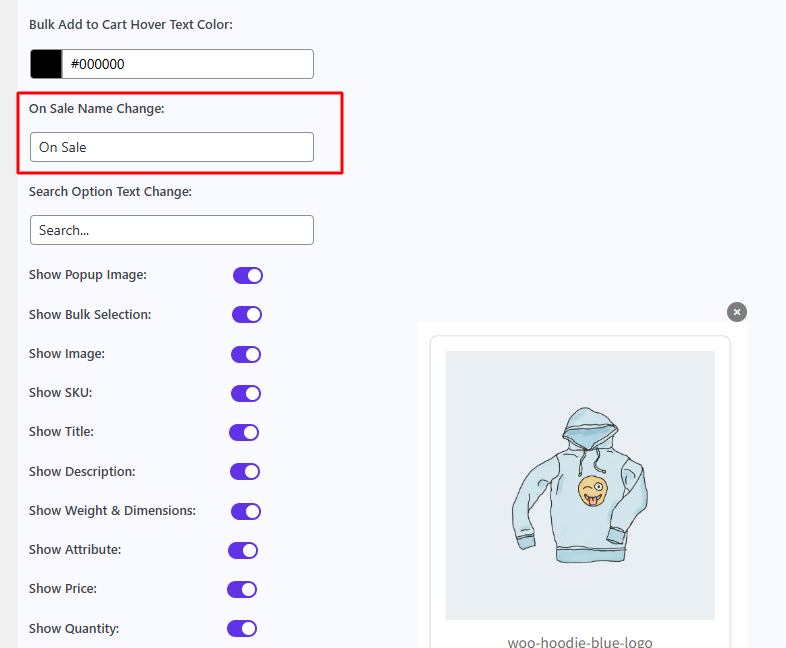
After changing the name, it appears in the location indicated below the image.