Spin & Grab 100% OFF

Get Essential Woo Plugins That’ll Boost Sales & Retention. Limited time

Days
Hours
Minutes
Seconds

How to Change Table Background Color Hover

Variation Monster for WooCommerce

⌘K
  1. Home
  2. Docs
  3. Variation Monster for Woo...
  4. Table Setting
  5. How to Change Table Background Color Hover

How to Change Table Background Color Hover

The “Table Background Color Hover” setting allows you to define the background color of a table row when a user hovers over it in the variation table. This hover effect provides a visual cue that improves interactivity and helps users easily track which row they are pointing at, especially when scanning through multiple variations.

You can choose any color to match your site’s design and enhance the user experience by making the table more dynamic and responsive.
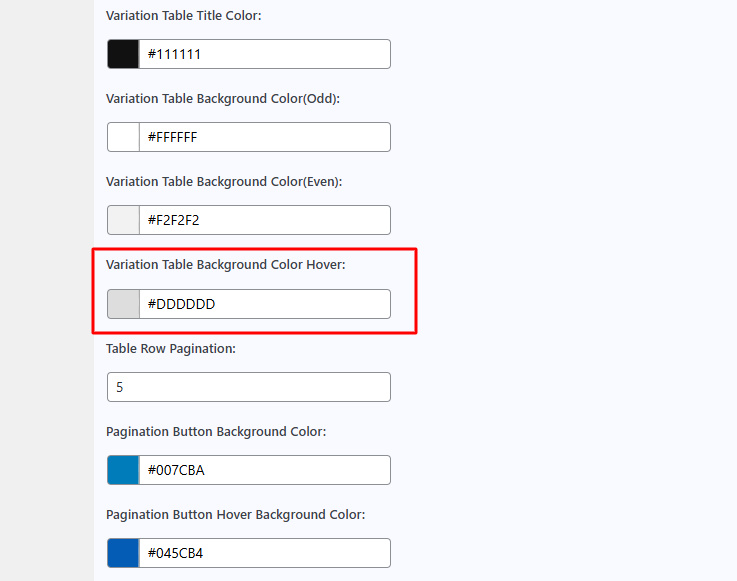
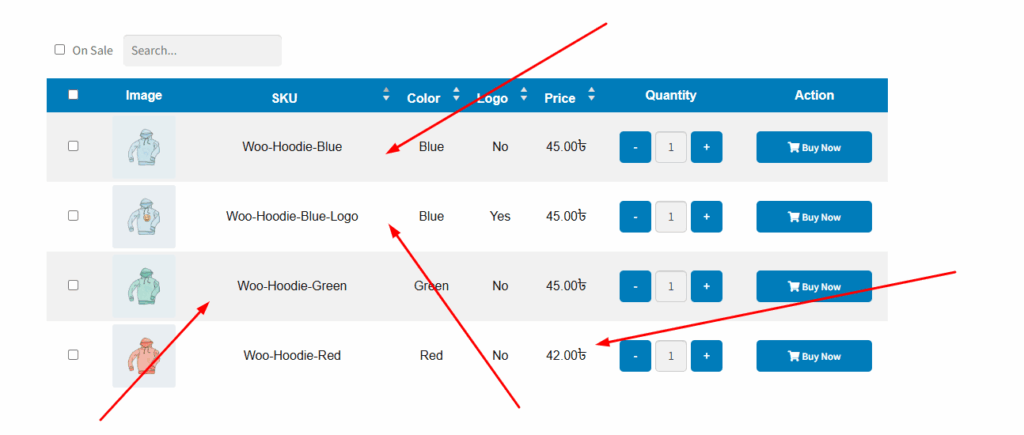
You can show it when you hover over the table row.
How can we help?

Leave a Reply

Wait…

Spin & grab 100% off

Check your luck — grab exclusive discounts on advanced Woo plugins, or better luck next time.

Click to Win
No spam. Limited-time offer.
//