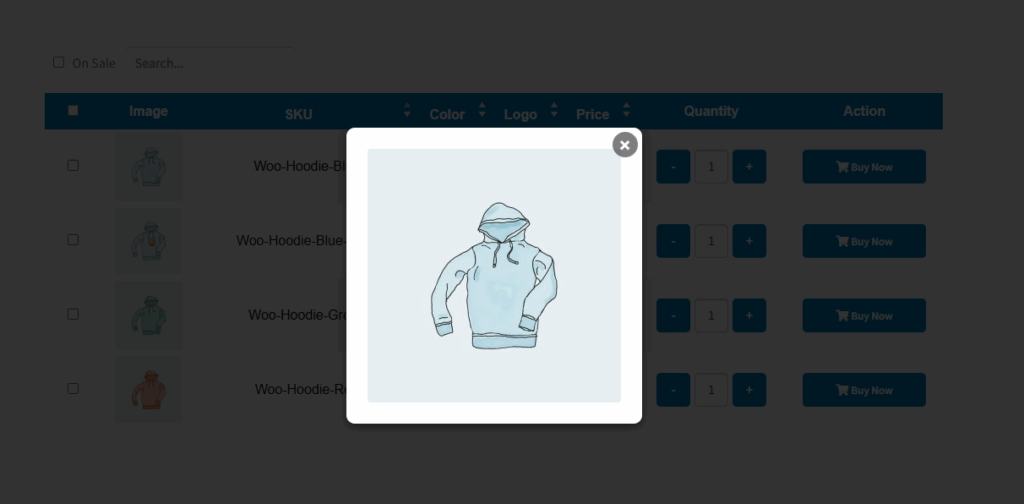
The “Table Image Size” setting in the Variation Monster plugin allows you to control the size of the product variation images displayed in the variation table. This feature uses the default WordPress and WooCommerce image sizes, such as:
- Thumbnail
- Medium
- Large
- Full Size
By selecting a specific image size, you can match the table’s layout with your store’s design and improve loading speed and appearance. For example, choosing “Thumbnail” will display smaller images for a more compact table, while “Medium” or “Large” may offer better visibility for detailed product variations.
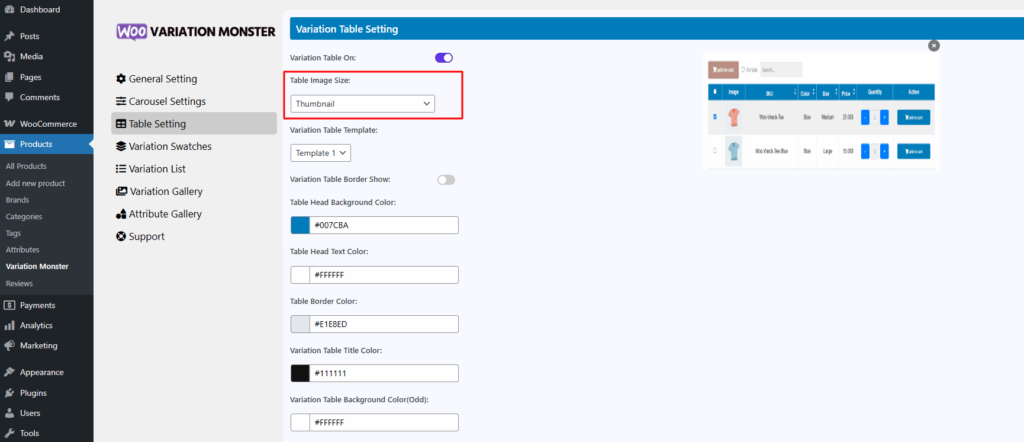
This image size looks like thumbnail.
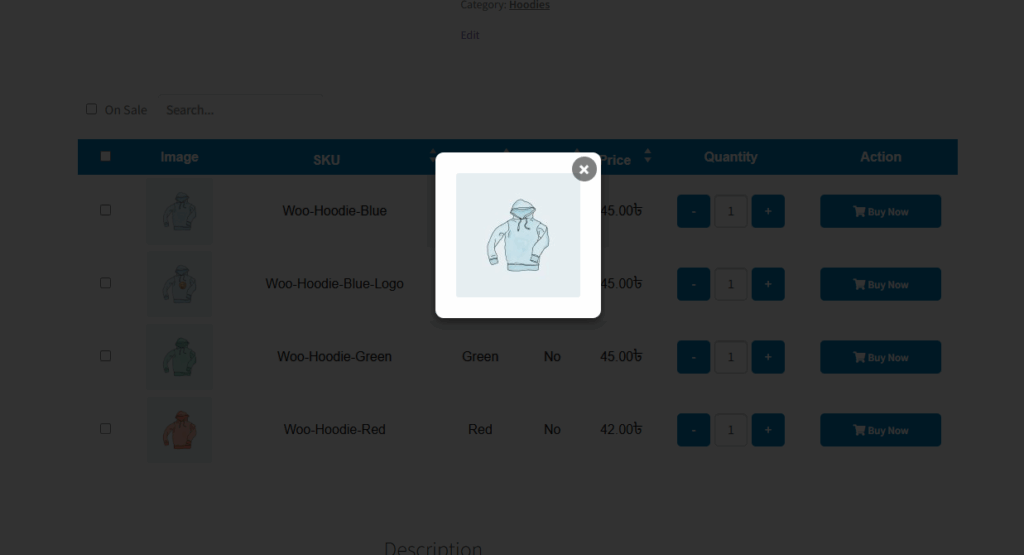
This image size looks like medium.