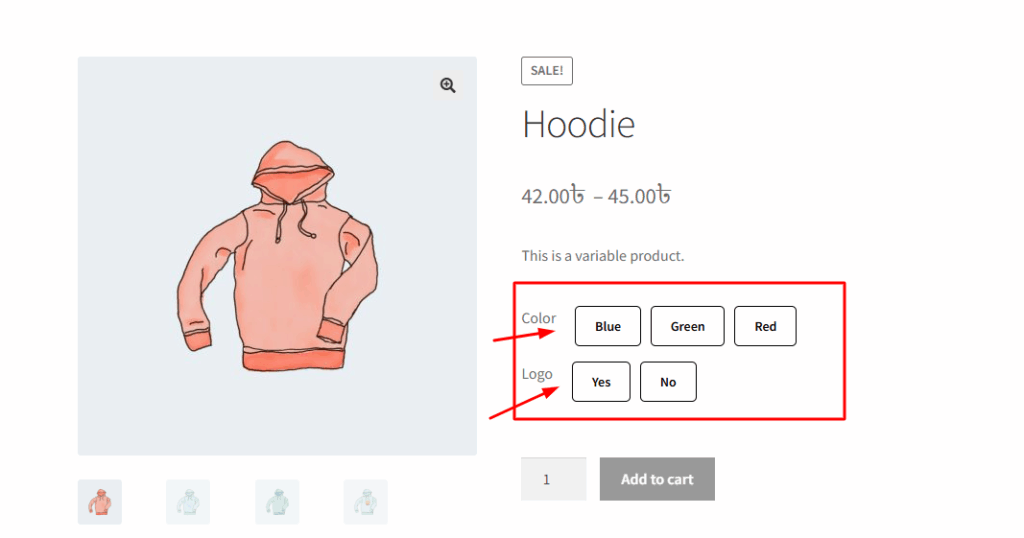
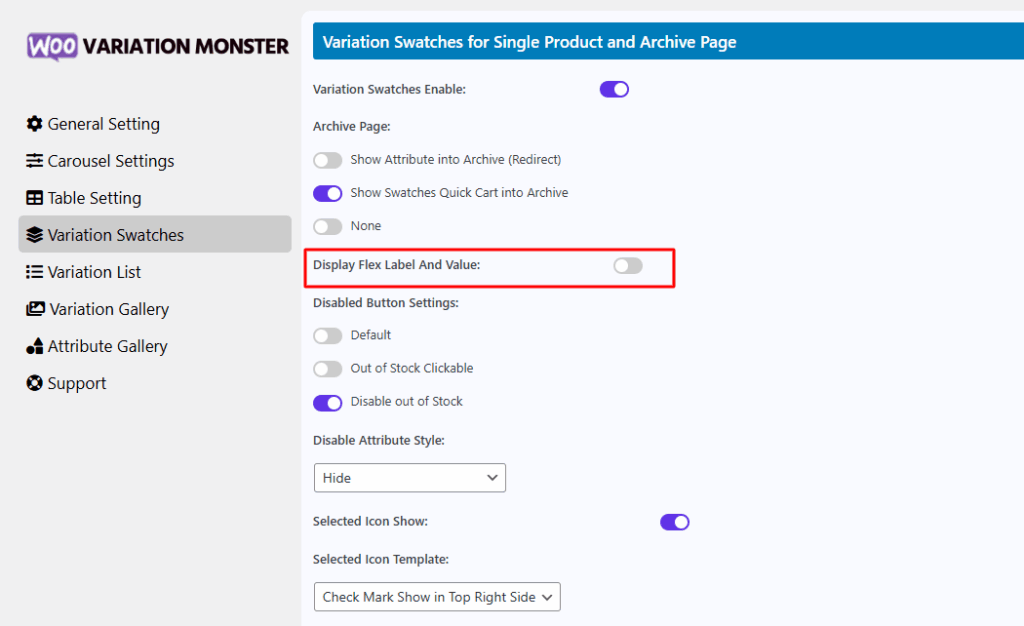
In the Variation Monster plugin, the Display Flex Label And Value feature allows you to show both the attribute label and its value side by side using a flexible layout. When you enable this option, the attribute name (e.g., “Color”) and the selected value (e.g., “Red”) will appear together in a clear and organized format, improving readability and user experience. This setting helps customers easily understand what variation options they are selecting, especially when multiple attributes are available. It’s particularly useful for stores that want to present variation details in a more structured and visually balanced way.
Before enabling this feature, it looks like the image below.
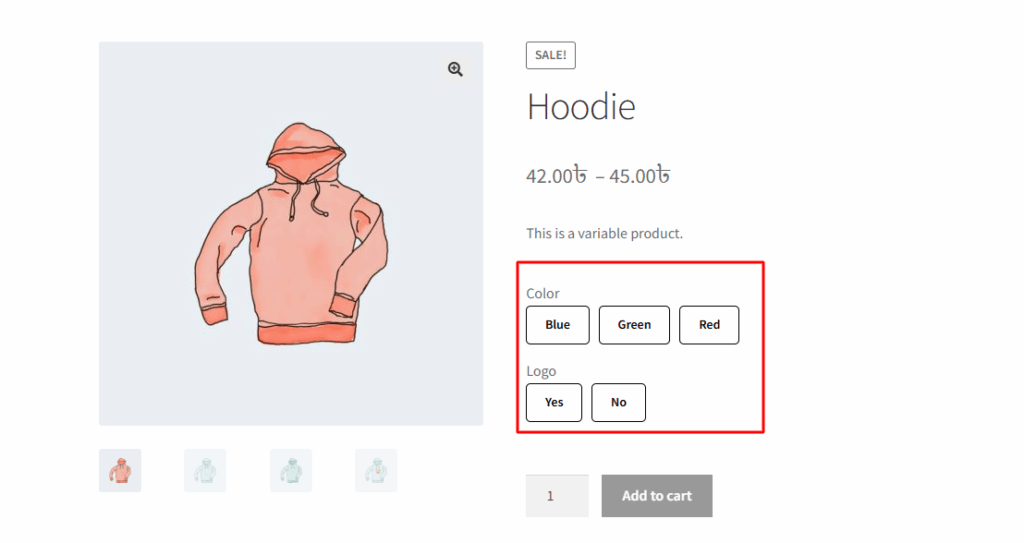
After enabling this feature, it looks like the image below.