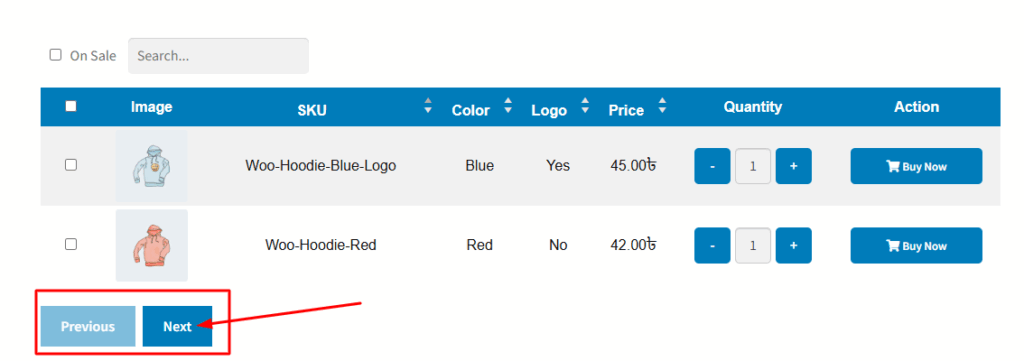
In the variation table of the Variation Monster plugin, you can control how many variation rows are displayed at a time. When the number of variations exceeds the selected row limit, pagination buttons appear to help users navigate through the remaining variations.
The “Pagination Button Text Hover Color” setting allows you to customize the color of the text on these pagination buttons when a user hovers over them. This enhances the user experience by providing a clear visual cue during interaction and helps maintain consistency with your site’s branding.
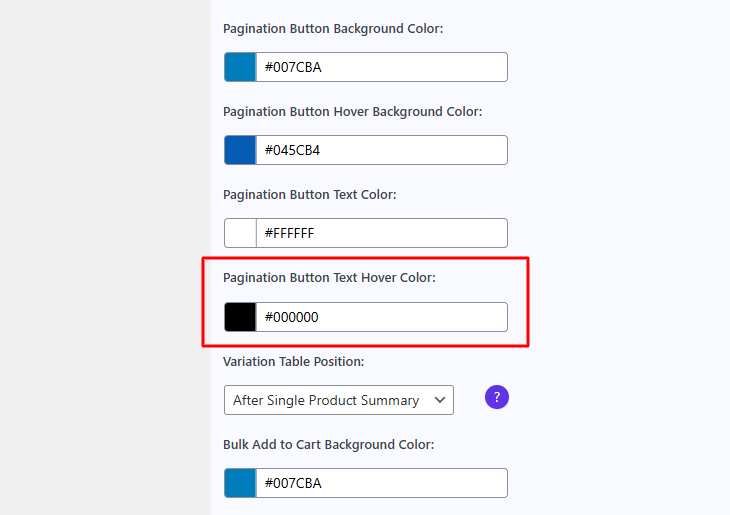
After changing the hover text color, you can see it applied below the table. When you hover over the pagination buttons, the text color will change accordingly.