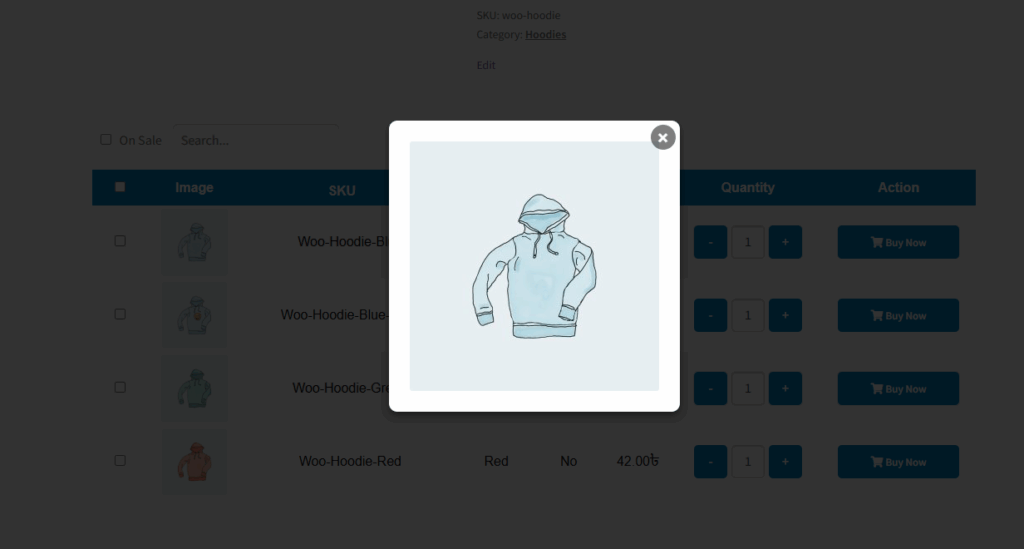
When the “Show Popup Image” feature is enabled, clicking on any variation image in the table will open a larger version of that image in a popup. This allows customers to view the image more clearly without navigating away from the product page, providing a better visual experience, especially for products with detailed designs or multiple variations.
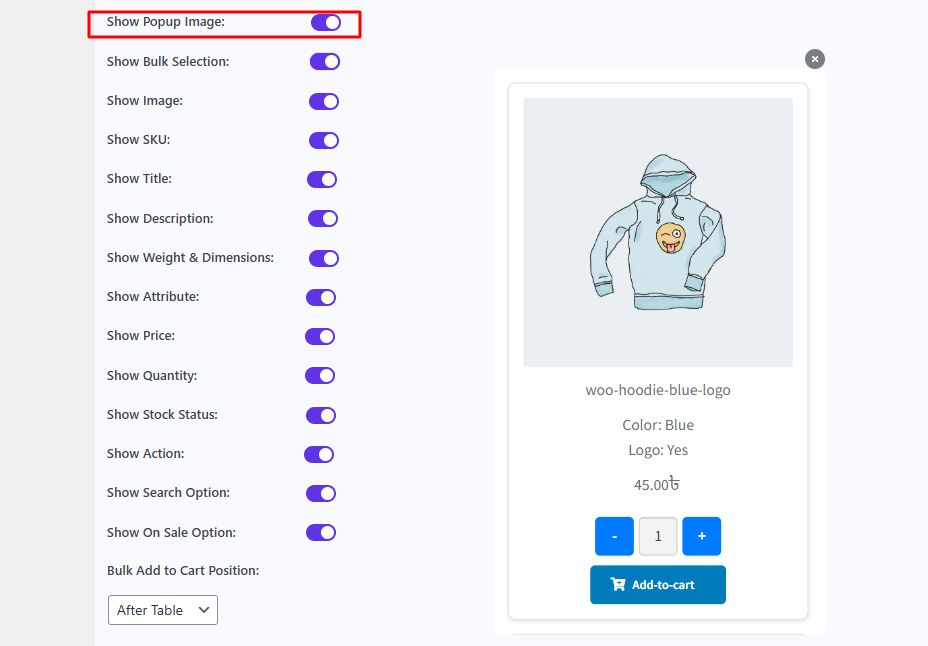
After enabling this feature, it shows this type of image. Also, you can change this image size via WordPress WooCommerce default image pattern as you want to show.