In the Variation Monster plugin, you can customize how disabled attribute options appear in your variation swatches. This setting allows you to choose from multiple styles, including:
Hide – completely removes the disabled attribute option from view.
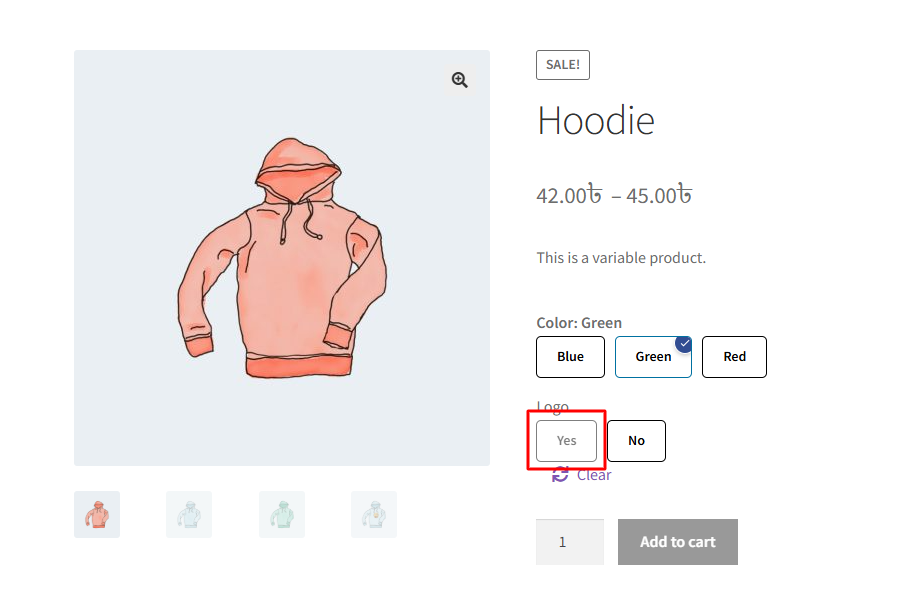
Blur – the disabled swatch appears blurred.
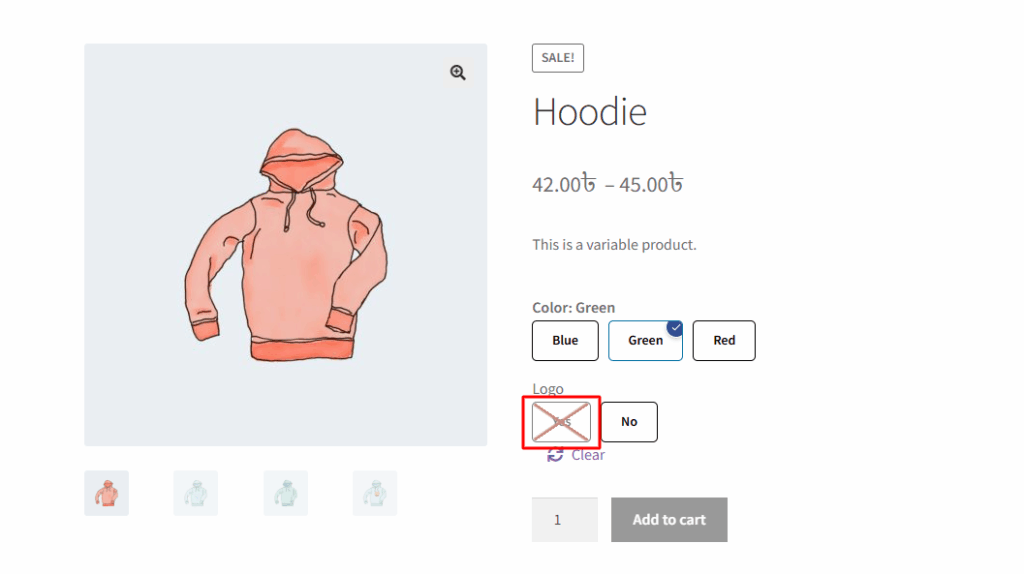
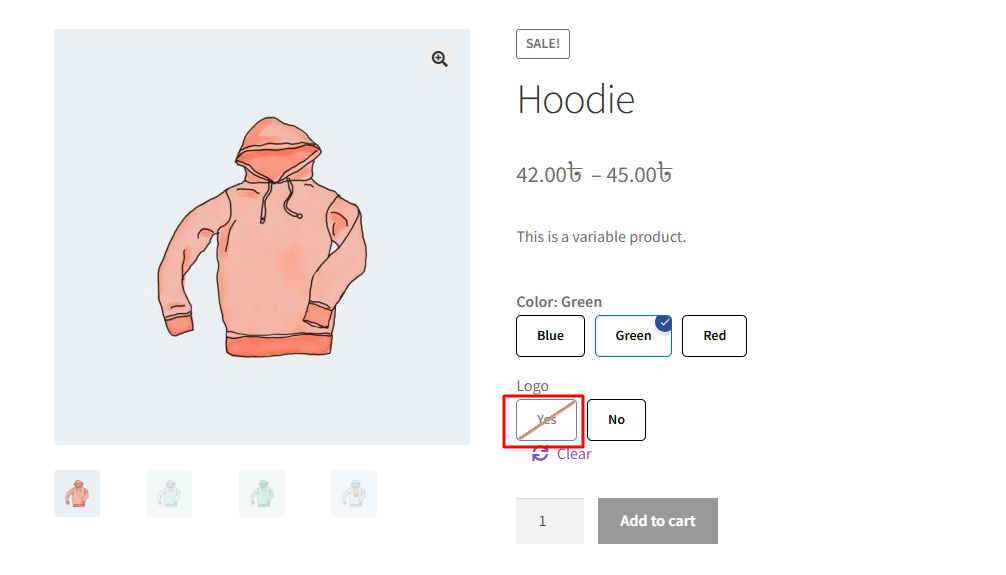
Blur with Cross – the swatch is blurred and also displays a cross icon.
Blur with Single Cross – similar to the previous but with a simplified cross icon.
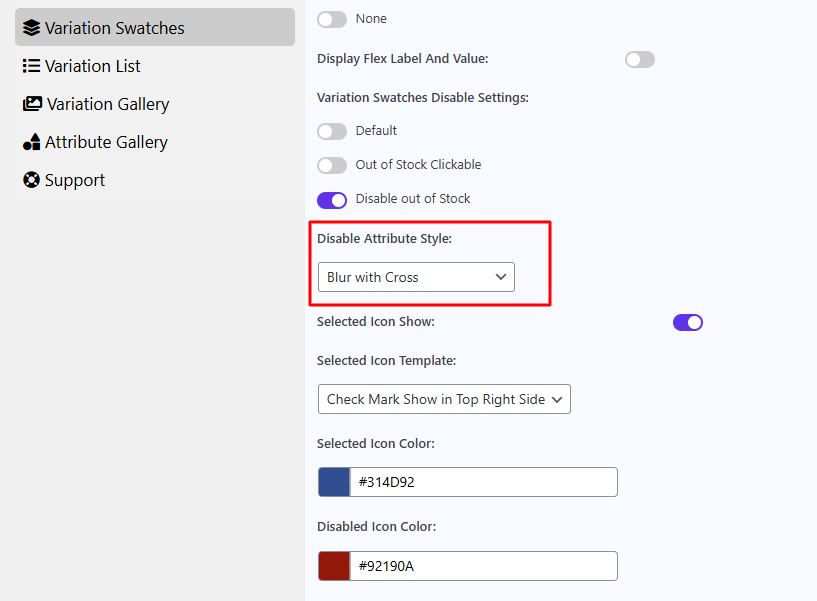
After select blur with cross, it will appear like the image below.
After select blur, it will appear like the image below.
After select blur with single cross, it will appear like the image below.
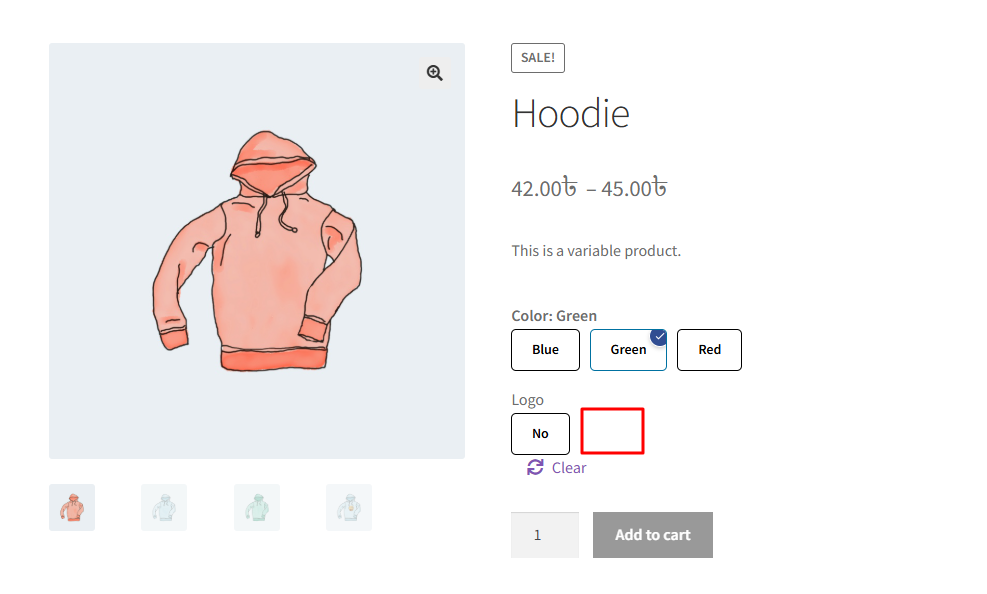
After select hide, it will appear like the image below. here don’t show yes button.