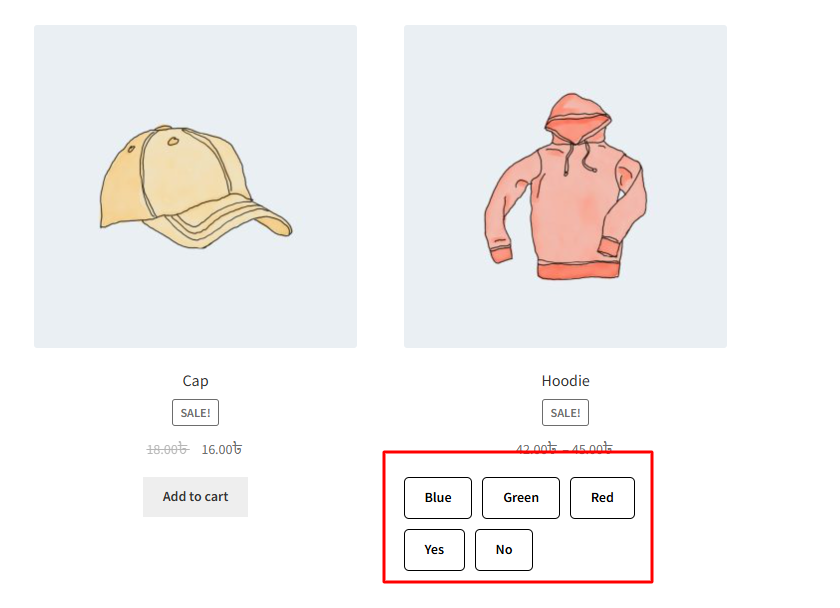
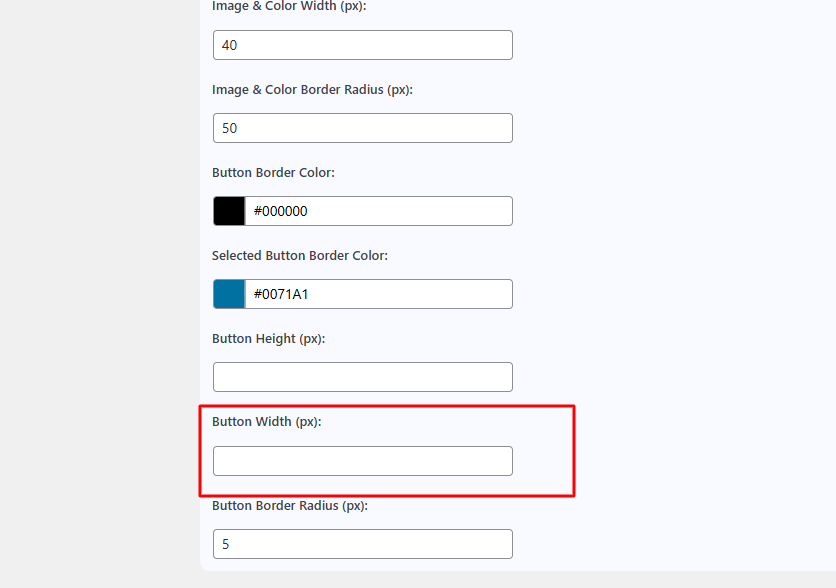
The “Button Width Setup (px)” setting allows you to define the horizontal size (width) of your variation swatch buttons. This value is set in pixels and directly affects the visual appearance of the swatches on both the single product and archive pages.
By adjusting this width, you can make the swatches larger or smaller to better fit your product layout or design preferences.
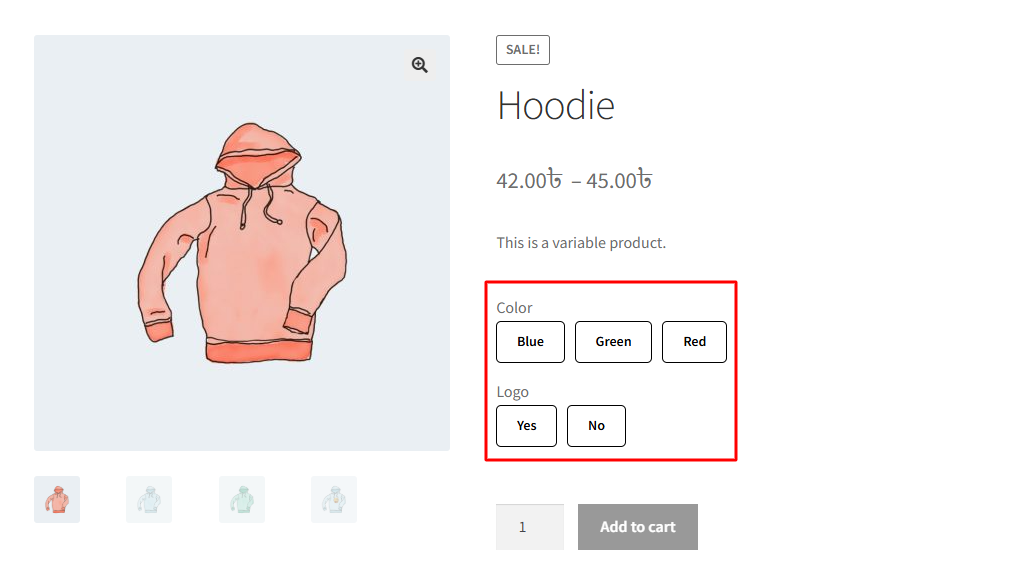
After changing this width, it will be reflected on the single product page once the variation swatches feature is enabled.
After changing this width, it will be reflected on the archive page once the variation swatches feature is enabled.