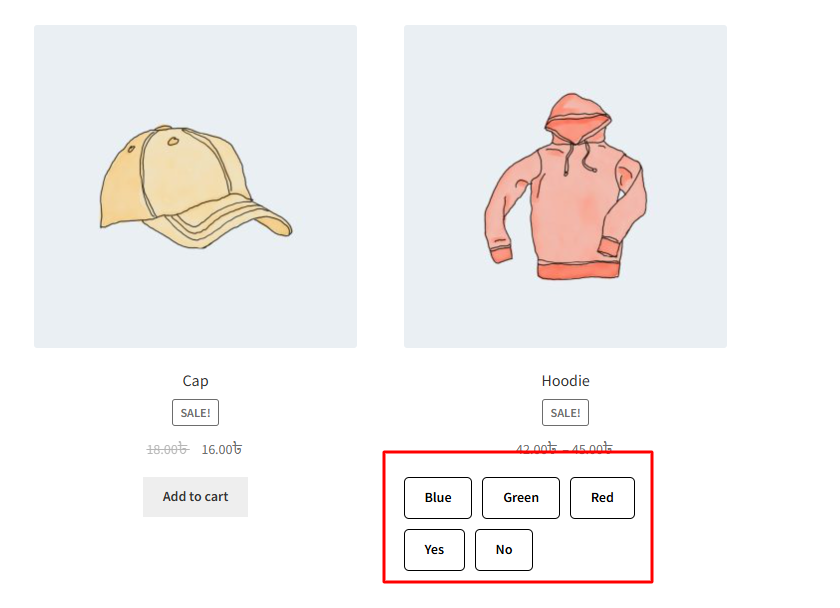
This setting allows you to control the roundness of the variation swatch button. By adjusting the border radius (in pixels), you can make the swatches appear more square or more circular. For example, setting it to 0 will show sharp square edges, while a higher value like 50 will make them fully rounded like circles. This helps match the swatch design with your overall store theme.

After changing this radius, it will be reflected on the single product page once the variation swatches feature is enabled.

After changing this radius, it will be reflected on the archive page once the variation swatches feature is enabled.