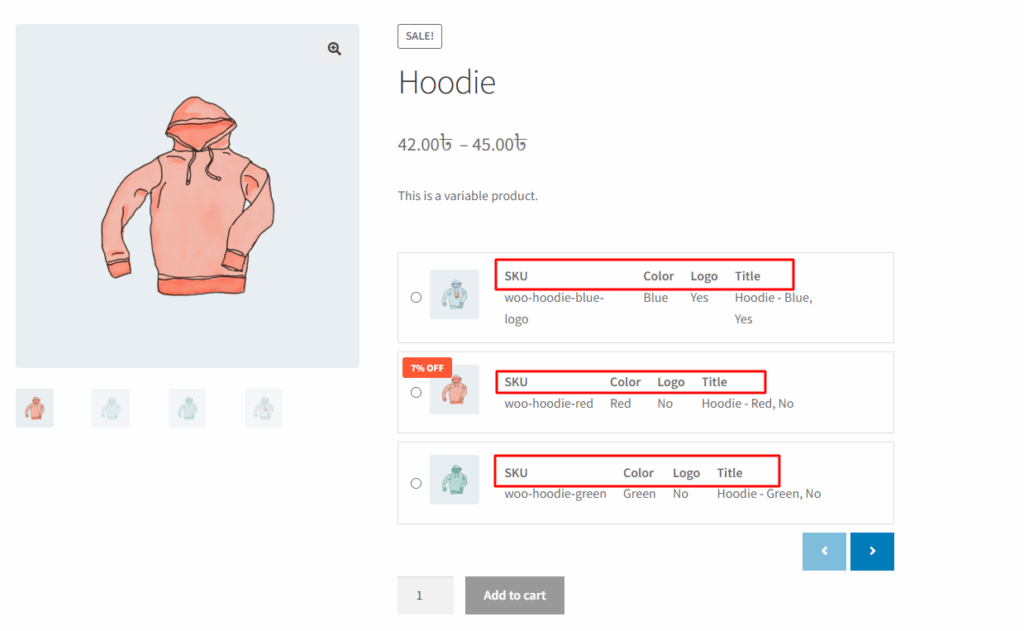
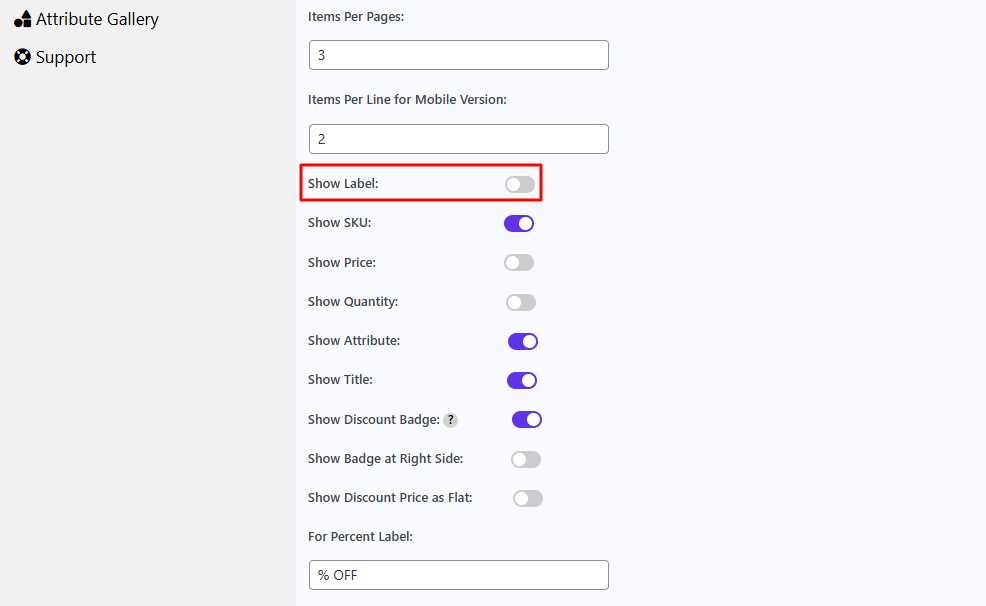
In the Variation Monster plugin, the “Show Label” setting in the Variation List template allows you to display labels for key information such as SKU, Price, and Attributes (e.g., Color, Size) next to their corresponding values. When this option is enabled, each data point in the variation list will be clearly labeled, making it easier for customers to understand what each value represents.
This is especially useful in Template One, where displaying labels improves clarity and enhances the overall user experience. If you prefer a cleaner or more compact layout, you can disable this option to hide the labels and show only the values.
Before enabling it, it shows like the image below
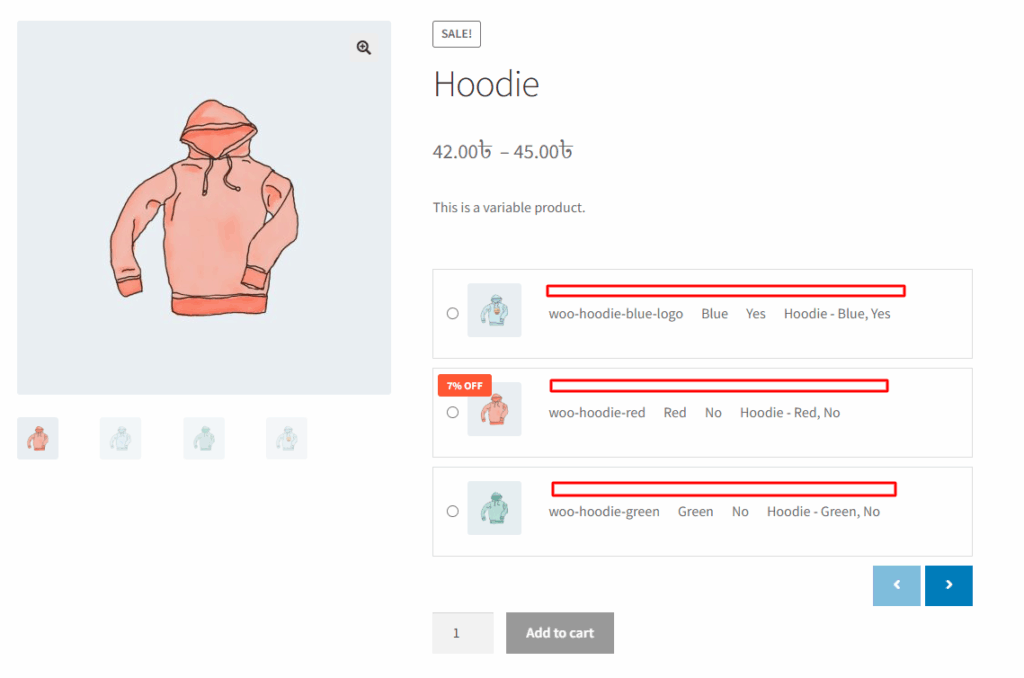
After enabling it, it shows like the image below