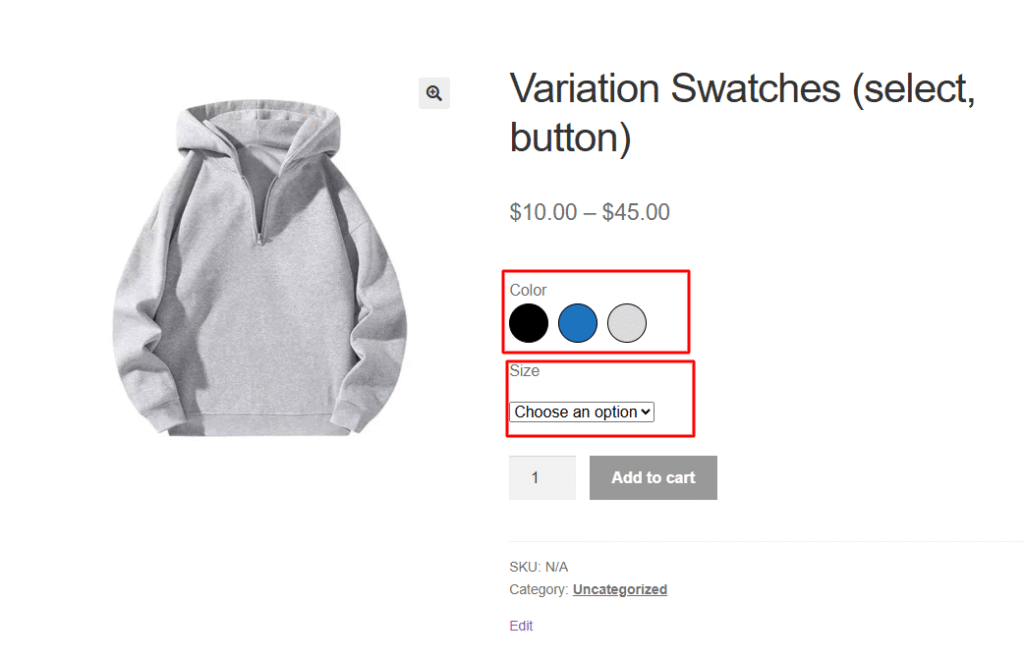
In the Variation Monster plugin, you can control how Button and Select options are displayed simultaneously. Normally, when you enable variation swatches in other plugins, the default behavior is to display variations as buttons. However, with the Variation Monster plugin, the default behavior uses Select options instead. This feature allows you to easily switch between Button and Select display styles according to your preference.
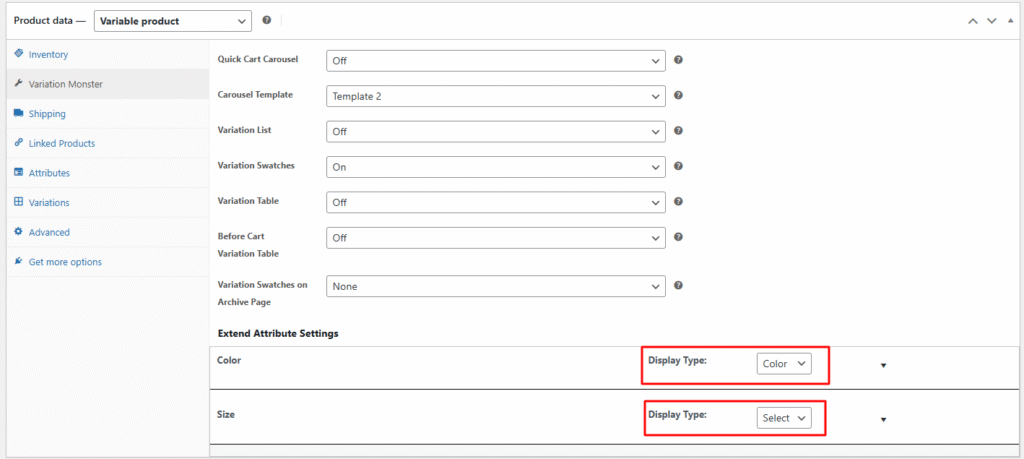
You can choose the display type as Select Options from the Product Page or the Attribute Settings Page. Once you save the settings with the Select Options display type also default show this select Options, the product page will automatically show WooCommerce’s default dropdown style for variations.
After saving, it will appear on the product page as shown in the image below.